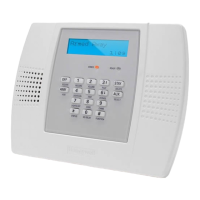
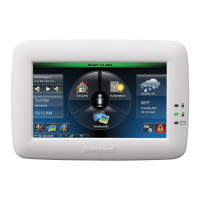
– 9 –
SYS
SYSSYS
SYSTEM OVERVIEW
TEM OVERVIEWTEM OVERVIEW
TEM OVERVIEW
Quick View of System Functions
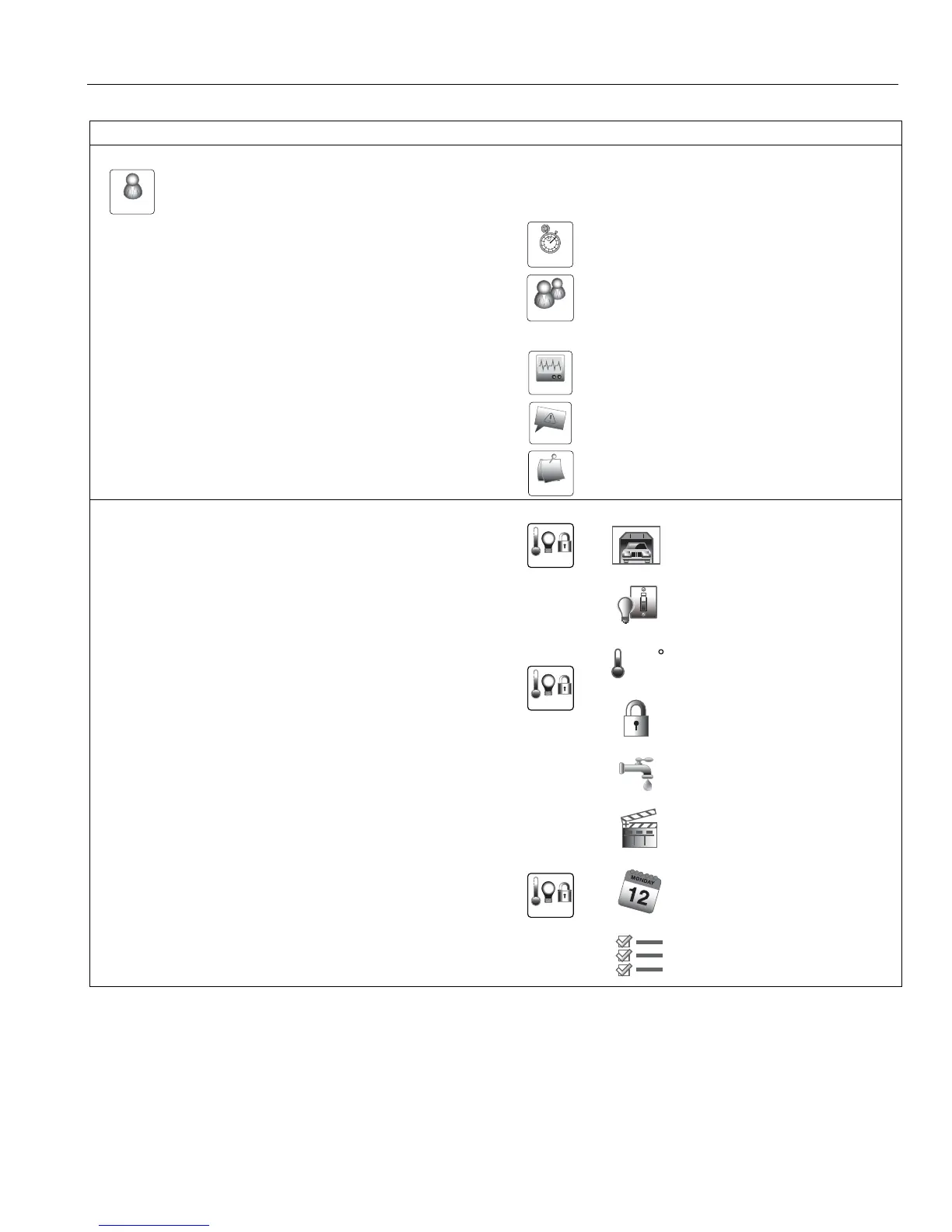
Function Press these Keys or Icons
OTHER FUNCTIONS (accessible from the Master User Screen)
+ Master Code
Set the time and date ................................................................... :
Add, delete or change a User Code* ........................................... :
* Only the Master Code can be used to add/delete a User
Perform Tests .............................................................................. :
+ Applicable Test icon
View System Events .................................................................... :
Program, edit or delete Reminders ............................................. :
HOME AUTOMATION (If equipped)
Operate Garage Door ............................................. :
+
Manually operate Z-Wave Devices ......................... :
+
OR
OR
OR
Switches
Thermostats
Locks
Water Valves
Set Scenes, Schedules or Rules OR Run Scenes.. :
+
OR
OR
Scenes
Schedules
Rules



 To Next Page
 Loading...