– 34 –
USER FUNCTIONS
USER FUNCTIONSUSER FUNCTIONS
USER FUNCTIONS
Scheduling User Interface
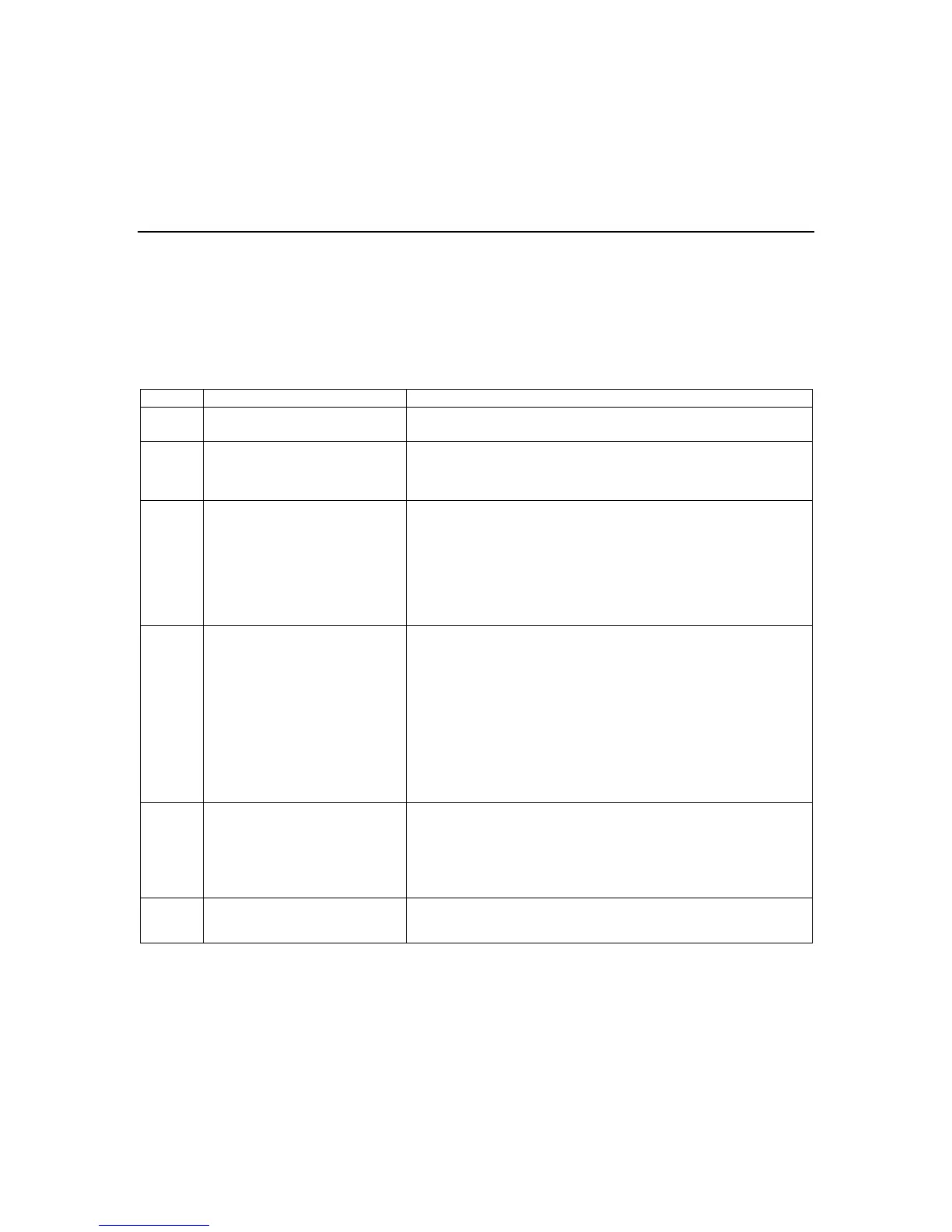
Event Identifier Entries
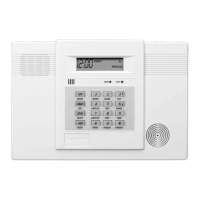
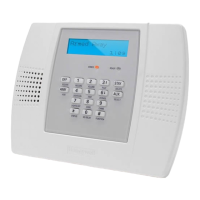
Note: On systems that are is equipped with a Wireless keypad, reminder announcements and the alarm
clock will only be broadcast locally by the LYNXR-2 Series keypad.
Entry Event Comment
0 Empty No event scheduled (or schedule is temporarily disabled)
1 X10 Device Turn an X10 device, either on or off at begin/end times. (will
have a start and end time to program) (time driven)
NOTE: SH10A siren cannot be used.
2 Latch Key Report Send a special pager report (7110000) indicating system not
yet disarmed. (will have a start/end time to send the report)
(window driven), (reports only to pager)
NOTE: Option *49 must be programmed to be 6 or higher.
Make sure unit is armed prior to start of window time.
In addition a secondary phone number must be
programmed in Option *42.
3 Automatic Stay Arming
OR
Scheduled Stay Arming
(LYNXR-2SIA)
Will arm the system automatically, and bypass any open
zones, at a given time. It will send a report to the pager and
central station, indicating system has been auto armed stay,
plus all bypass reports. (will have only a start time to send the
report) (time driven)
NOTES: (1) Prior executing auto stay arming or scheduled
stay arming, force bypass will be executed - if
option *23 was enabled.
(2) If pager report is required, Option *49 must be
programmed to be 6 or higher.
4 Reminder Announcements Will announce the message recorded by your installer. This
will be repeated every minute until a key is depressed, or a
button type zone does an arm or disarm.
†
NOTE: Make sure installer programmed the message at the
time of installation.
5 Alarm Clock Will start a trouble tone (beep) on the speaker, which will
continue until a key is depressed.
†
Figure 1.


 To Next Page
 Loading...