– 49 –
SUMMARY
SUMMARY SUMMARY
SUMMARY O
OO
OF AUDIBLE N
F AUDIBLE NF AUDIBLE N
F AUDIBLE NOTIFICATION
OTIFICATIONOTIFICATION
OTIFICATION
Additional Announcements:
Pressing STATUS key once will announce the following primary messages, depending on
the system’s status at the time:
Disarmed–Ready to Arm [check system]
Disarmed [not ready to arm]
Armed [away] [stay] [instant] [check system] [exit now]
Pressing the STATUS key twice will announce the following secondary messages, depending
on the system’s status at the time:
Fire Alarm + zone voice descriptor
Alarm + zone voice descriptor
Carbon Monoxide Alarm + zone voice descriptor
Carbon Monoxide Fault + zone voice descriptor
Fire Fault + zone voice descriptor
Fault + zone voice descriptor Alarm + zone voice descriptor
Low Battery + zone voice descriptor Fire Fault + zone voice descriptor
System Low Battery
Check System
AC Loss
Zones Bypassed
Chime
NOTE: If there are no secondary messages, the primary status messages will be announced.
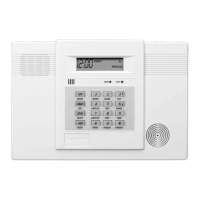
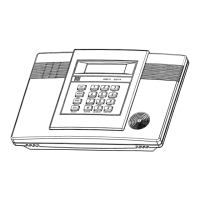
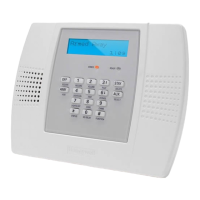
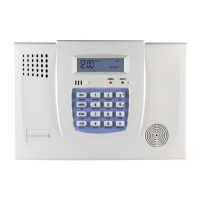
LED Meanings
ARMED LED: ON = System armed
(Red) OFF = System disarmed
Blinking = System armed, but a fault exists or once per second when AVM (VOX or
Talk) or speaker phone mode is active.
READY LED: ON = System disarmed, ready to arm
(Green) Blinking = System disarmed, not ready to arm (a fault exists) or once per second when
AVM (VOX or Talk) or speakerphone mode is active.
NOTE: When the system is armed, the READY LED turns off.


 To Next Page
 Loading...