Advanced Installation Guide
69 -2578ES — 01 14
SETUPWIRINGASSISTANCETROUBLESHOOTING
5
5
M32779
System setup
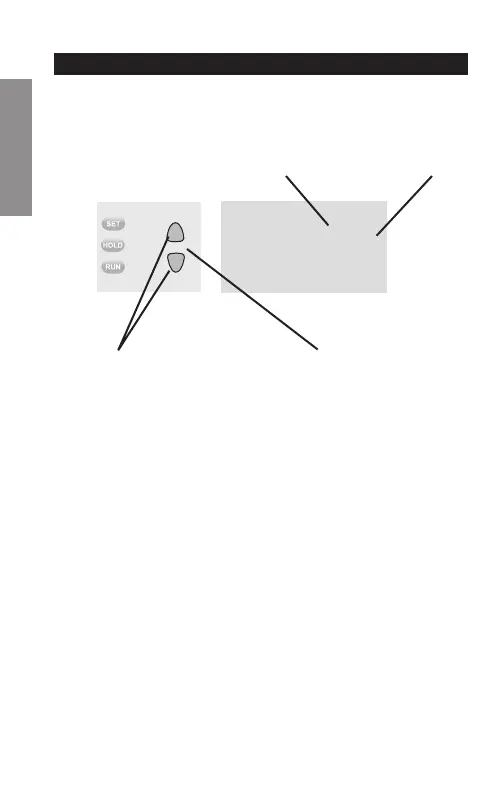
Change Function Change Setting
See pages 15–19 to change Function Settings.
Changing Settings
Function
Setting
1. Press the s or t button to change the setting.
2. Press the s and t buttons simultaneously for one
second to advance to the next function.
3. Press the Run button to exit and save settings.
NOTE: If you do not press any button for 60 seconds
while you are in the setup menu, the thermostat
automatically saves any changes made and exits the
menu.


 To Next Page
 Loading...