Advanced Installation Guide
69-2578ES — 01 16
SETUPWIRINGASSISTANCETROUBLESHOOTING
System setup
Function 14: Temperature display
0 Fahrenheit temperature display (°F)
1 Celsius temperature display (°C)
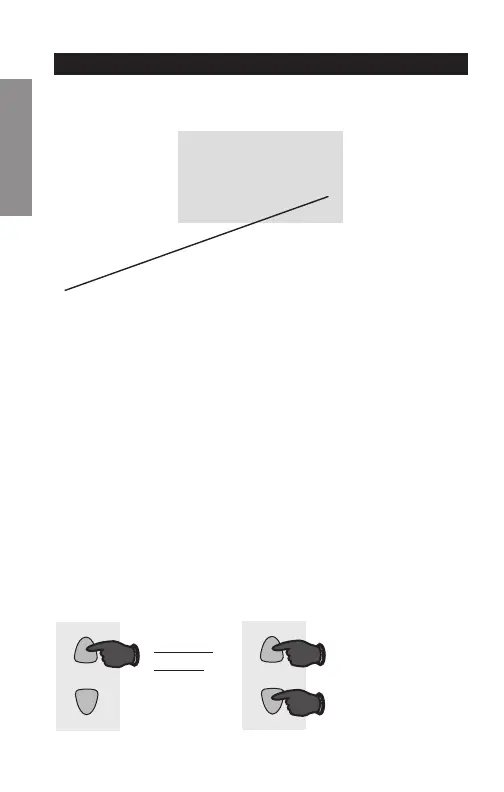
Press the s or t button to select Fahrenheit or
Celsius temperature display.
14
0
M32722
Press to
change
setting.
When finished,
press s and t
to advance to
the next function.
M32719
AND
OR


 To Next Page
 Loading...