Synchronizing data Phone memory full
Sign-in or synchronization problem Sync failed
VPN connected More notications
Open the Notication Panel to Get Important Information
Check the notications and the operating status of your Phone on the status bar.
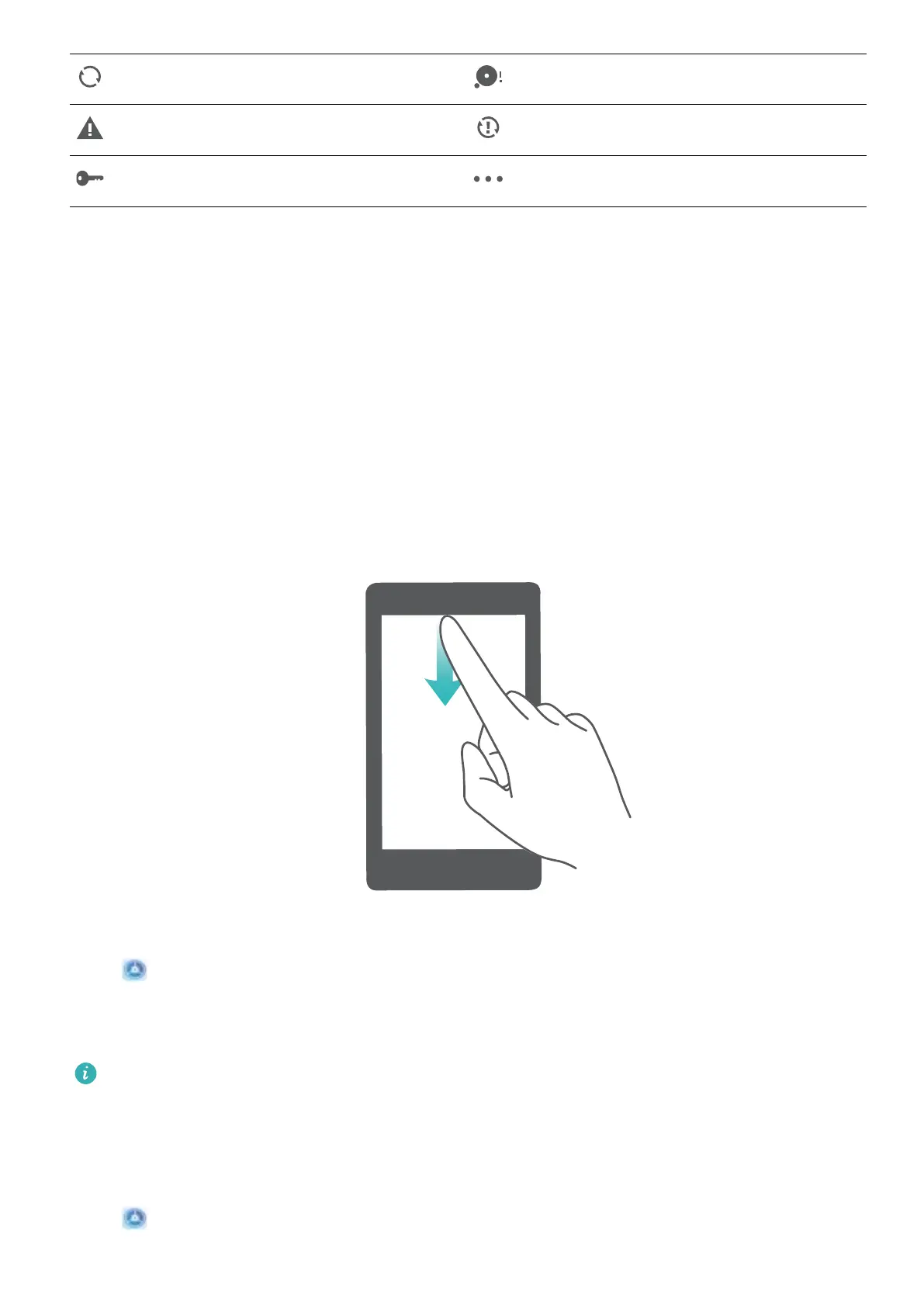
When there is a notication reminder, you can turn on the screen and swipe down from the status bar
to view the notication.
Access notication panel when the screen is unlocked: Swipe down from the status bar to open
the notication panel. You can turn on or off shortcut switches, or touch notications to view the
details.
Disable App Notications
Open Settings and touch Notications. From here you can:
l Block notications from an app: Select the app, then disable Allow notications.
l Block notications from multiple apps: Touch Batch management, then disable All.
To block
notications from an app, you can also swipe down from the status bar to open the
notication panel, touch and hold an app notication, then disable Allow notications.
Customize Notication Settings
Customize the notication settings to use your device the way you want.
Open
Settings, then go to Notications > More notication settings. From here you can:
Home Screen
11



 To Next Page