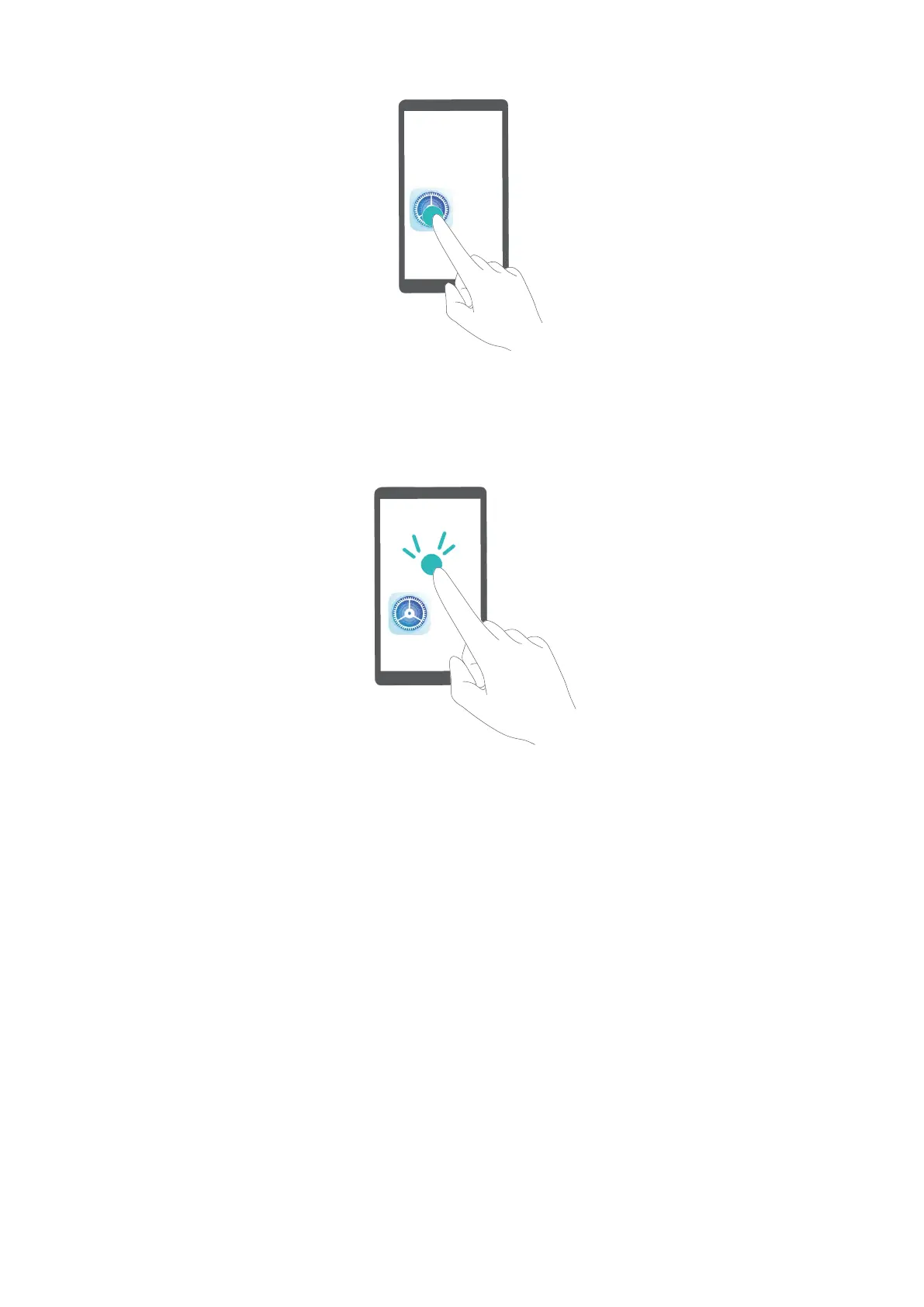
Double-tap to activate an item: Double-tap any part of the screen using one nger to conrm your
selection from the previous step.
For example, if you want to open Settings, touch the Settings icon once with one nger, then touch
twice anywhere on the screen.
Other gestures:
l Swipe right with one
nger on the screen to move to the next item.
l Swipe left with one nger on the screen to move to the previous item.
l Swipe down with one nger on the screen to move to the item downwards.
l Swipe up with one nger on the screen to move to the item upwards.
l Swipe down then right with one nger on the screen to open the global TalkBack menu. You
can quickly access certain TalkBack features here.
l Swipe up then right with one nger on the screen to open the local TalkBack menu. You can set
browsing mode for TalkBack.
l Swipe down then left with one nger on the screen to return to the previous screen. This serves
as the Back key.
Enable Color Correction
Color correction enables your device to compensate for color blindness.
System
62



 To Next Page