Calling
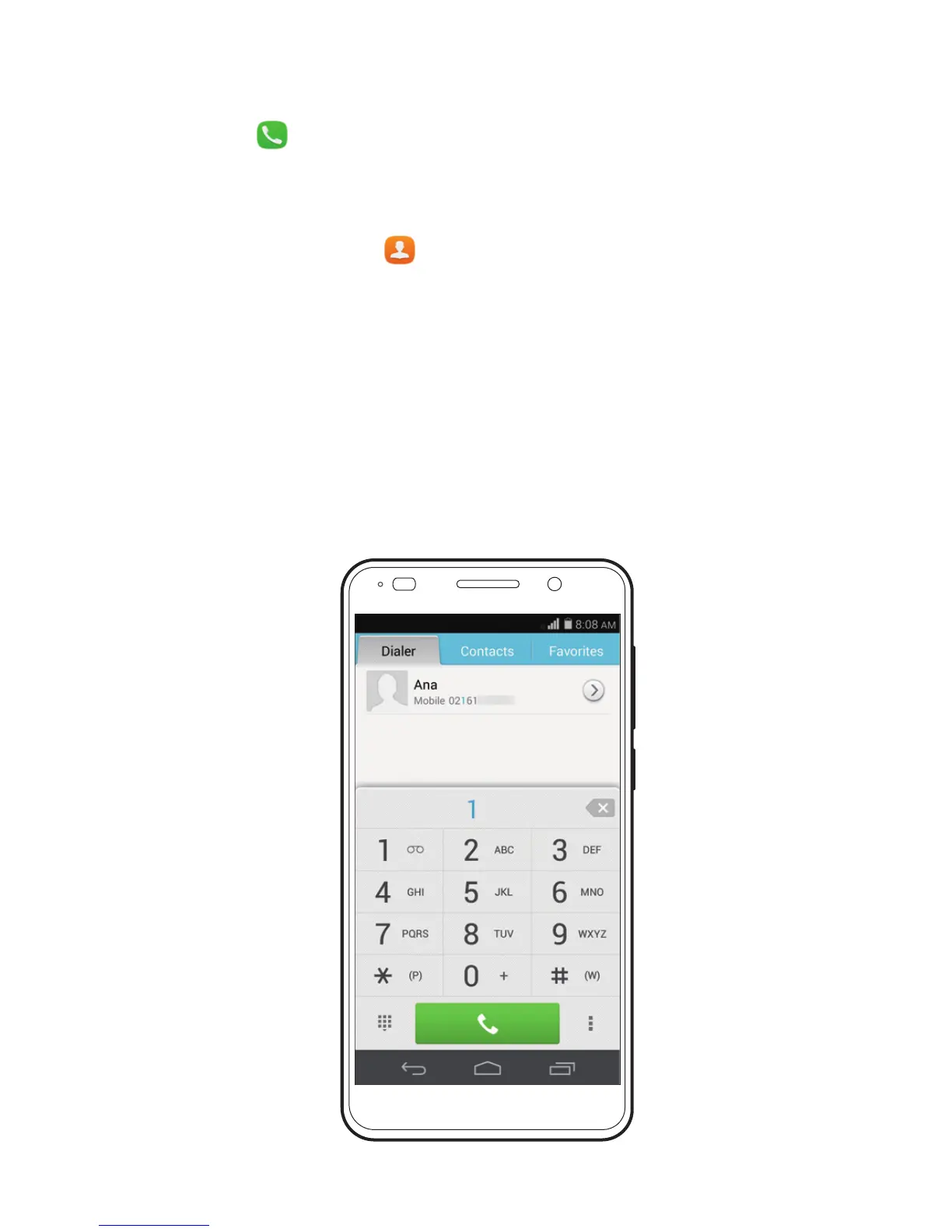
Touch and enter a phone number on the dialer. Your
phone then displays matching contacts. Touch a contact to
p
lace a call.
Alternatively, touch and enter the initials or first few
letters of a contact's name to quickly find the contact. From
t
he displayed matching contacts, touch the contact you want
to call.
You can also touch a number from Messaging, Email, or
Br
owser to place a call.



 To Next Page