Turn on ashlight: When recording a video in low light conditions, you can touch and select
to turn on the ashlight.
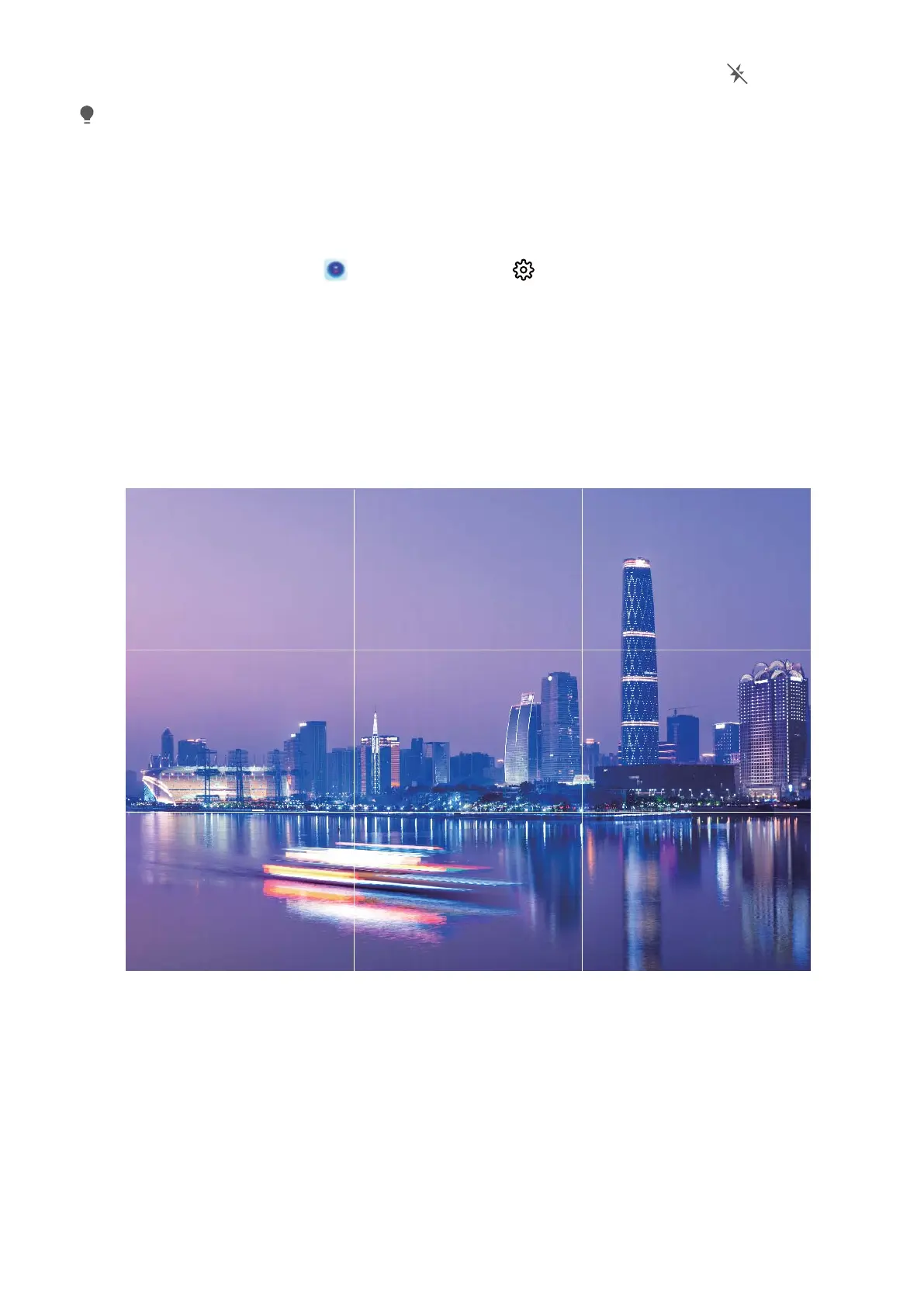
Use Assistive Grid to Compose Your Photos
Ever get annoyed that your photos turn out looking skewed or the subject always seems to be off-
center? You can use your camera's assistive grid feature to help you line up the perfect shot.
To select an assistive grid, open Camera and touch to enter Settings. Then touch Assistive
grid and select the type of grid or lines you want to use.
Rule of thirds composition method: Use either Grid or Phi grid. The four intersection points in the
grid are the focus areas of the picture. Place the subject of your photo on one of the intersection
points to achieve a good composition.
Spiral composition method: Use either Fibonacci spiral (left) or Fibonacci spiral (right). Place
the subject of your photo within the centre of the spiral.
Camera
32



 To Next Page