Notepad
Manage Your Notes to Keep Your Records in Order
Want to share important notes or add something to favourites? Manage your notes to keep your
records in order.
Share a note: Want to send your meeting notes to your colleague? On the list page of All notes or
All to-dos, open the note you want to share, then touch to select a sharing method and follow
the onscreen prompts.
Add a note to favourites: Want to add a note to favourites so you can refer to it later? On the list
page of All notes, swipe left on a note and touch . Alternatively, open the note you want to add
to favourites and touch .
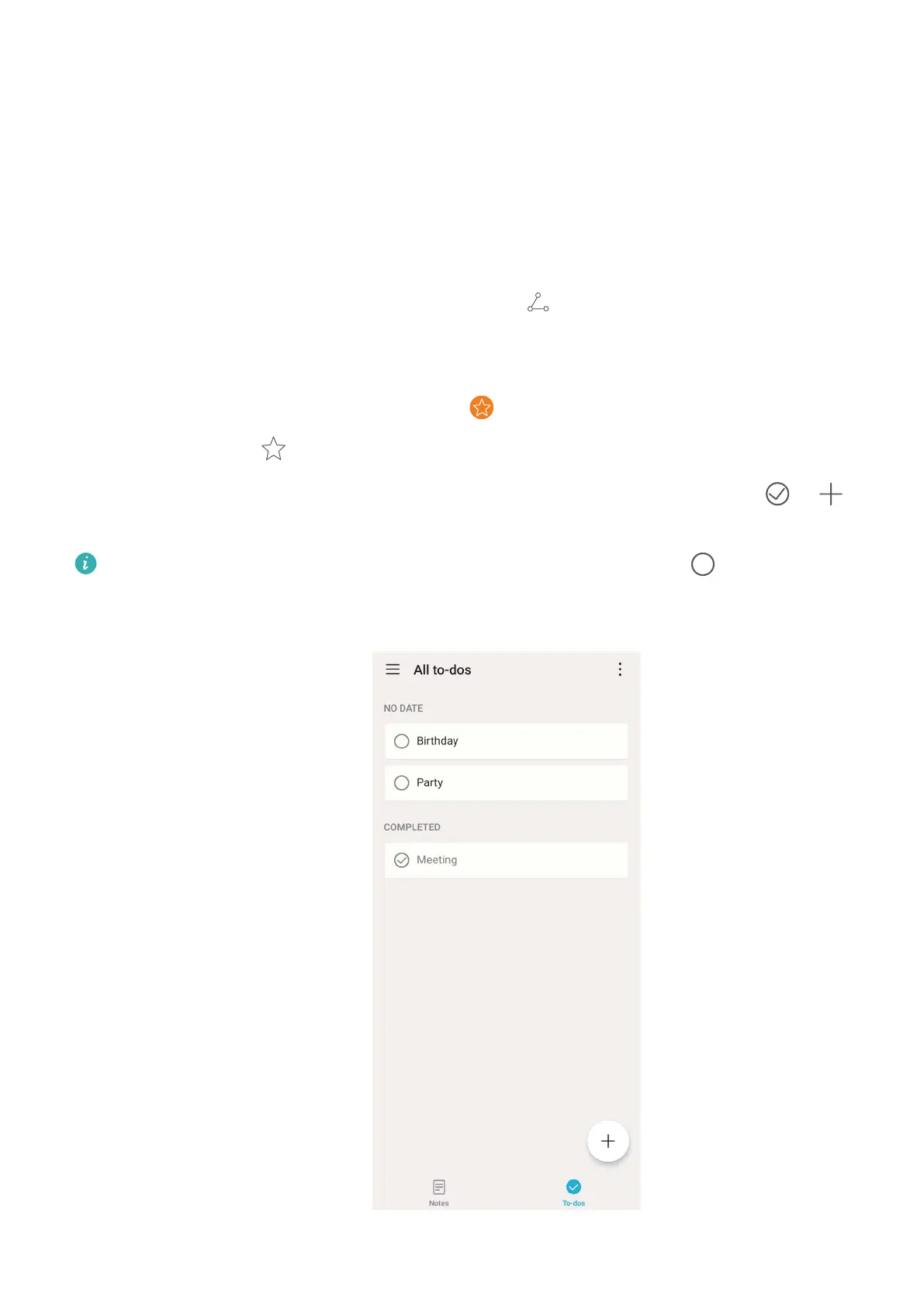
Generate a to-do list: Want to create a shopping list? On the page of Notepad, touch
> ,
enter an item, and then touch SAVE. Add multiple items to generate a to-do list.
After completing an item, go to the editing page of All to-dos, and select on the left of the
completed item.
47



 To Next Page