Wi-Fi and Network
Wi-Fi
Wi-Fi+: Your Smart Connectivity Assistant
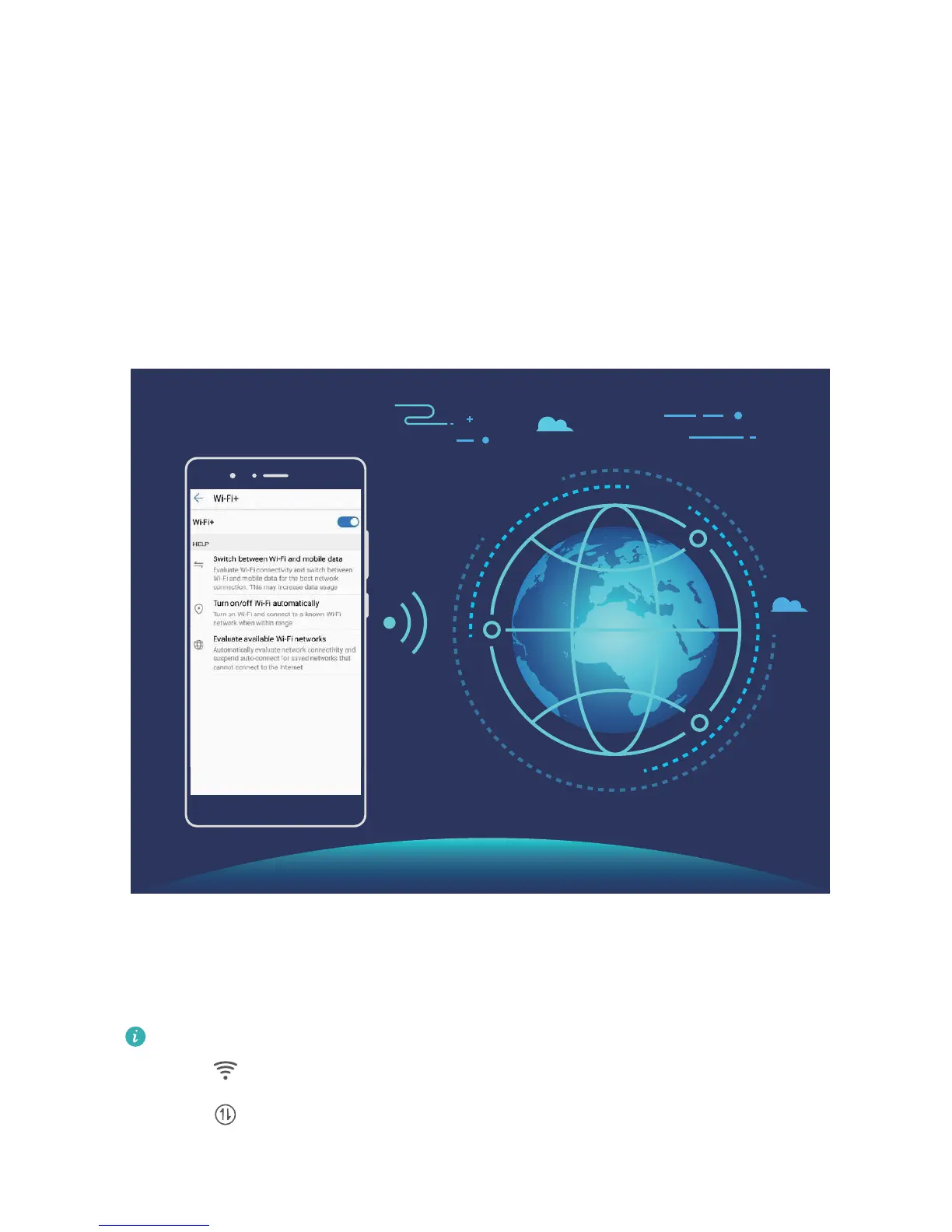
Wi-Fi+ intelligently connects to Wi-Fi networks to save mobile data consumption. Once Wi-Fi+ is
enabled, when your device detects a known or free Wi-Fi network, it will automatically turn on Wi-Fi
and connect to the network. Your device will also automatically select the optimal network in the area
for the best Internet connection.
Once Wi-Fi+ is enabled, your device will:
l Automatically select and connect to the optimal network: Your device will automatically select
and connect to Wi-Fi networks you've previously connected to, free networks, or your mobile data
network, depending on the signal strength at your current location.
You can check the icons in the status bar to see whether you are using mobile data or Wi-Fi:
l The icon indicates that your Phone is connected to the Internet over Wi-Fi.
l The icon in the bottom left of the signal bar indicates that your Phone is connected to
the Internet over mobile data.
81



 To Next Page