Connecting to a WPS-enabled router over WPS enables you to quickly connect to Wi-Fi networks
without re-entering their passwords.
Transfer Data Using Wi-Fi Direct
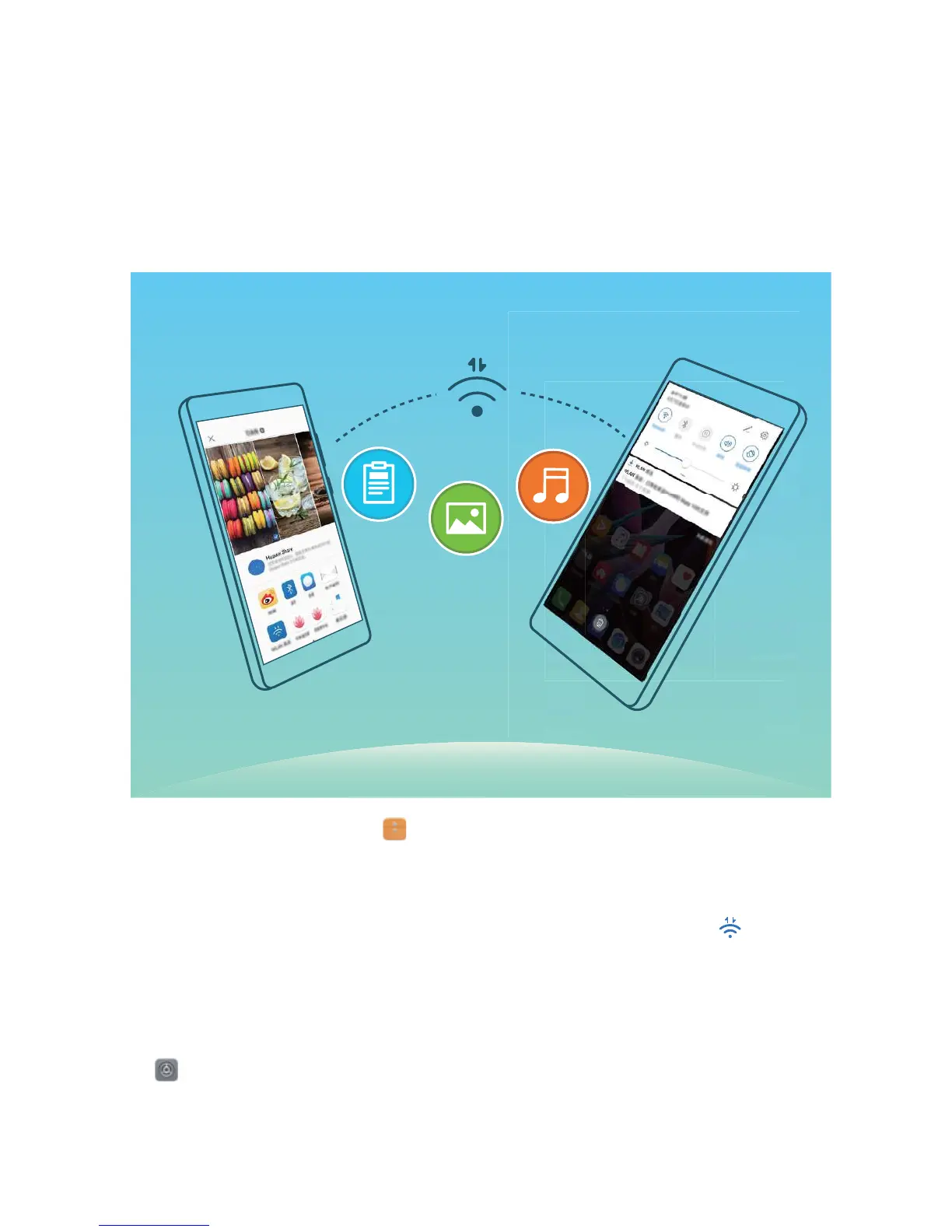
Wi-Fi Direct allows you to rapidly transfer data between Huawei devices. Wi-Fi Direct is faster than
Bluetooth and does not require devices to be paired. It is better suited to transferring large les over
short distances.
Send les with Wi-Fi Direct: Open Files, touch and hold a le you want to send, and go to
More > Share > Wi-Fi Direct. When another device is detected, touch its name to establish the
connection and begin le transfer.
Receive les with Wi-Fi Direct: Enable Wi-Fi. In the Wi-Fi settings screen, touch to enable
detection. When you receive an incoming le prompt, touch Accept to begin the transfer. The
received le will be saved under Files in the Wi-Fi Direct folder by default.
Turn Wi-Fi+ On or Off
Open Settings, go to Wireless & networks > Wi-Fi > Wi-Fi+, and choose to enable or disable
Wi-Fi+.
Wi-Fi and Network
83



 To Next Page