Connect to Wi-Fi
By connecting your device to a Wi-Fi network, you can eectively save mobile data.
To avoid potential security risks (such as unauthorised access to your personal data and
nancial information), please exercise caution when connecting to a public Wi-Fi
network.
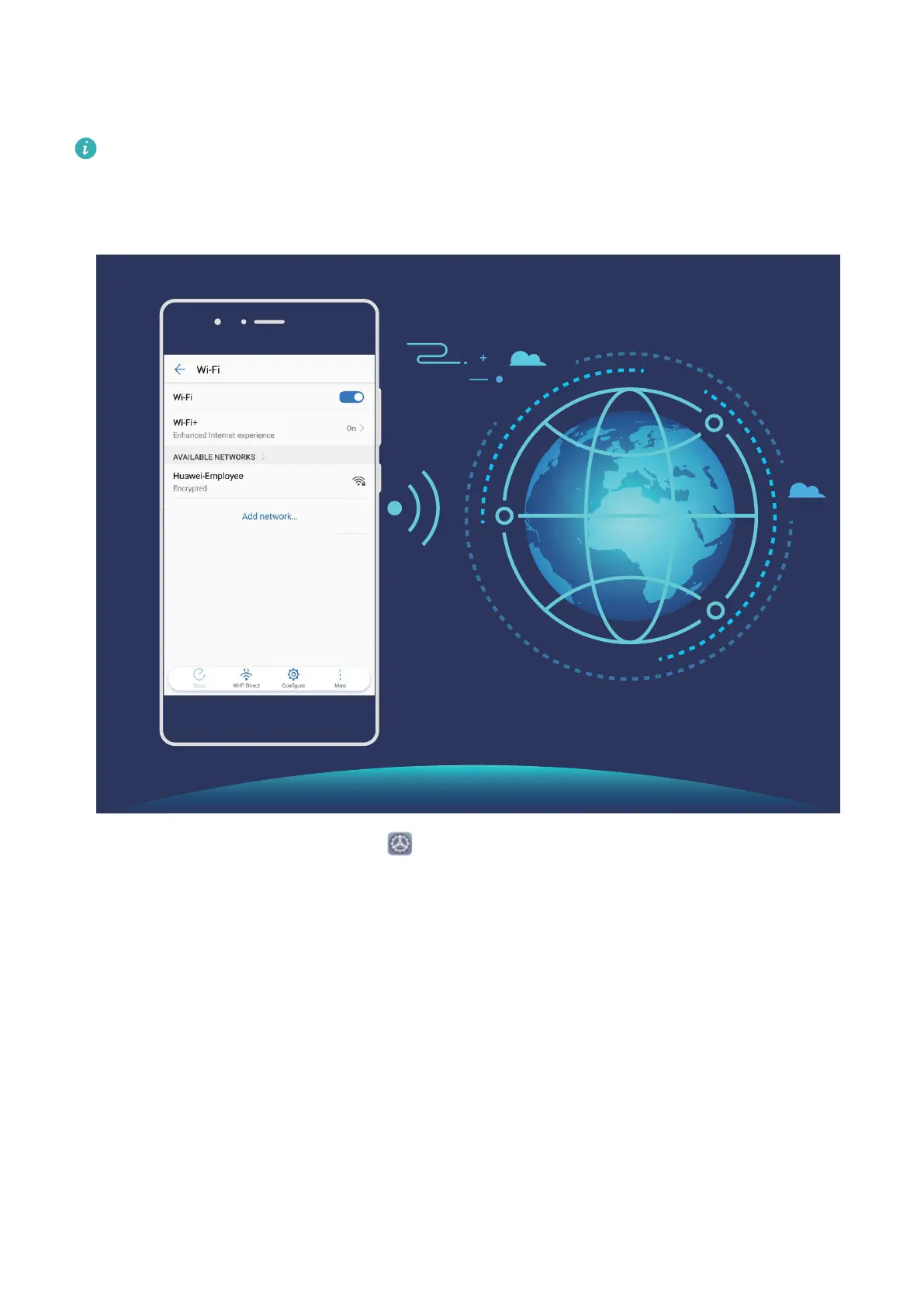
Connect to a Wi-Fi Network: Open Settings, go to Wireless & networks > Wi-Fi, and
enable Wi-Fi. Touch a Wi-Fi network to access it, and enter the network password or
complete the authentication if required. Alternatively, you can scroll to the bottom of the
menu, touch Add network, and follow the onscreen instructions to add a network hotspot by
entering its name and password.
New Device
8



 To Next Page