Pro Mode
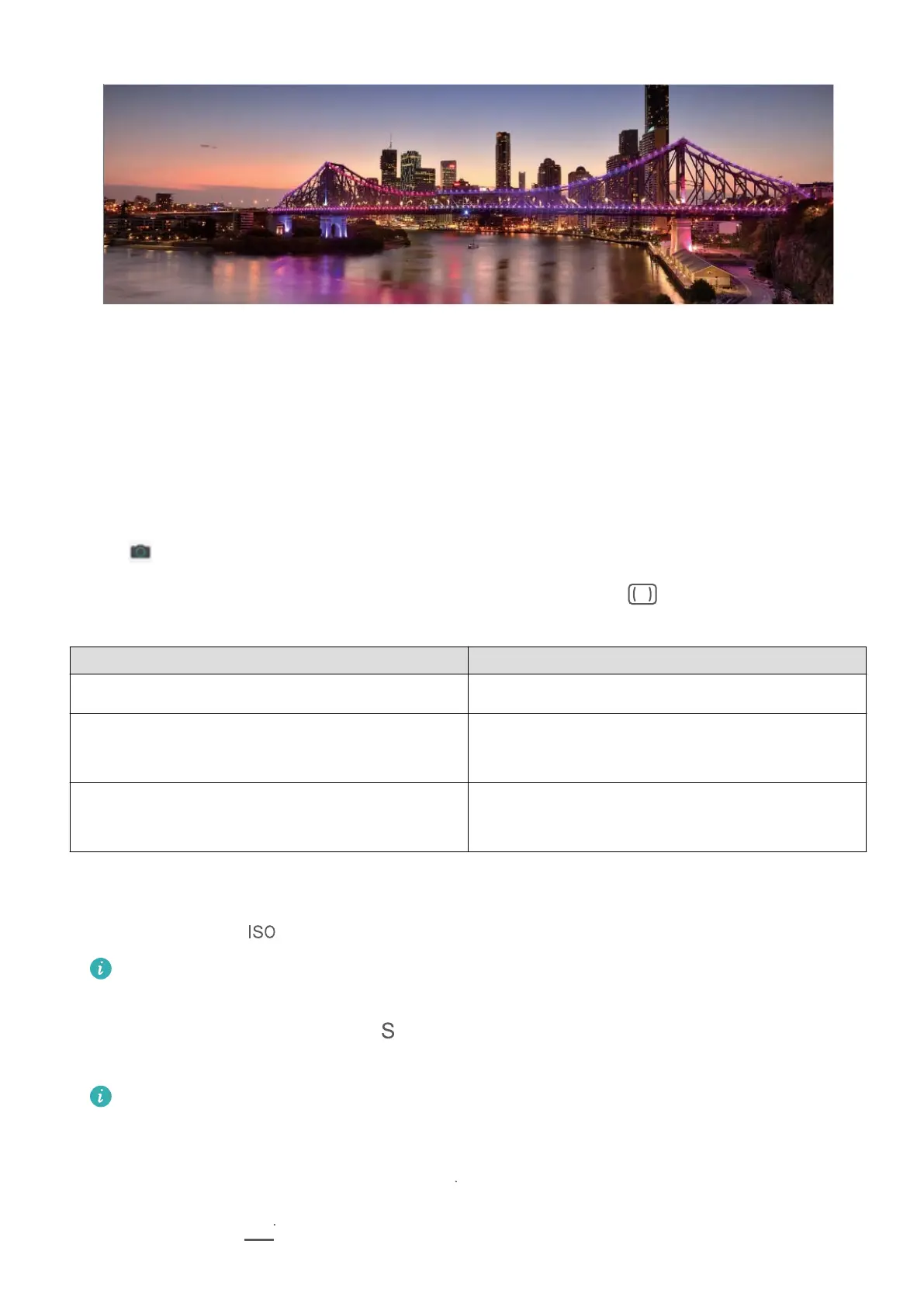
Use Pro Mode to Take Scenic Photos
Want to make your scenic photos more vibrant and interesting? Use Pro mode to take unique
and personalised scenic photos.
Go to
Camera > More > Pro to enter Pro mode.
Select a metering mode based on the shooting subject: Touch
, and select a metering
mode.
Metering Mode Application Scenario
Matrix Broad landscapes and seas
Centre The subject is in the centre of the picture, and
stands out from the background.
Spot The subject to be highlighted in the picture is
relatively small, such as a ower or a tree.
Adjust brightness based on the shooting environment:
• Adjust ISO: Touch , and drag the ISO slider to adjust its value.
To avoid excessive noise, the recommended ISO is below 400. The recommended ISO
for the daytime is between 100 and 200 and around 400 for night scenes.
• Adjust the shutter speed: Touch (shutter speed), and drag the shutter speed slider to
your desired speed.
The recommended shutter speed for static scenes (such as mountains) is between 1/80
and 1/125, and faster for moving subjects (such as waves). For best results, use a tripod
when shooting a moving subject.
• Adjust exposure compensation: Touch
, and drag the EV slider to your desired value.
Adjust AWB: Touch
, and drag the AWB slider to your desired value.
Camera
31



 To Next Page