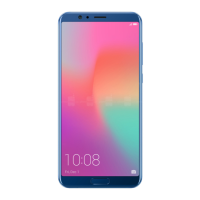
For devices featuring a front navigation button, the virtual navigation bar is disabled by
default. If you want to enable the virtual navigation bar, go to Settings > System >
Phone navigation > Three-key navigation > Settings. After enabling the virtual
navigation bar, the front navigation button will be disabled and will not respond if you
touch and hold it or swipe it.
Use at the top of an app to enable Split-screen mode: If you are using Three-key
navigation, touch on the navigation bar to access the recent tasks screen. If you are
using Gestures, swipe up from the bottom of the screen and hold to access the recent tasks
screen. Select a compatible app and touch
at the top of the app.
Use three ngers to enable Split-screen mode: Open a compatible app and swipe up on
the screen with three ngers. Make sure not to swipe up from the very bottom of the screen.
Exit Split-Screen Mode
How to exit Split-screen mode.
To exit Split-screen mode, touch and select .
Gestures and Operations
13



 To Next Page