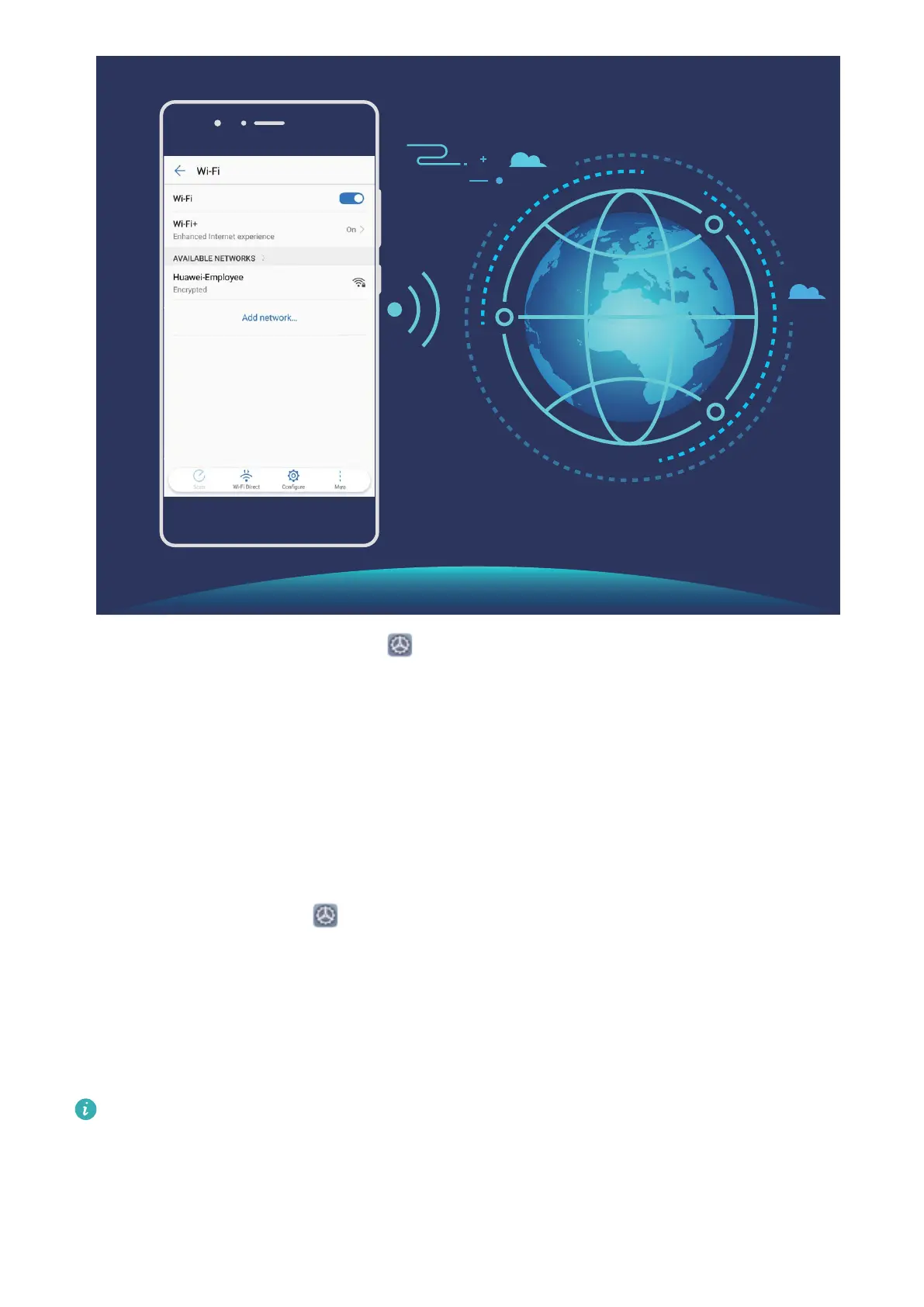
Connect to a Wi-Fi Network: Open Settings, go to Wireless & networks > Wi-Fi, and
enable Wi-Fi. Touch a Wi-Fi network to access it, and enter the network password or
complete the authentication if required. Alternatively, you can scroll to the bottom of the
menu, touch Add network, and follow the onscreen instructions to add a network hotspot by
entering its name and password.
Share a Wi-Fi Network with Wi-Fi Bridge
Wi-Fi bridge allows you to share your home Wi-Fi to friends and guests without having to
reveal the password to them.
Enable Wi-Fi bridge: Open
Settings, go to Wireless & networks > Personal hotspot >
More, and enable Wi-Fi bridge.
Set Wi-Fi bridge: Touch Set Wi-Fi bridge to view or set a temporary name and password for
the shared Wi-Fi network.
Once you provide your friends or guests with the temporary name and password, they will be
able to connect to the network until the feature is disabled.
Up to 4 devices can be connected to your home Wi-Fi through Wi-Fi bridge at any given
time.
Wi-Fi and Network
60



 To Next Page