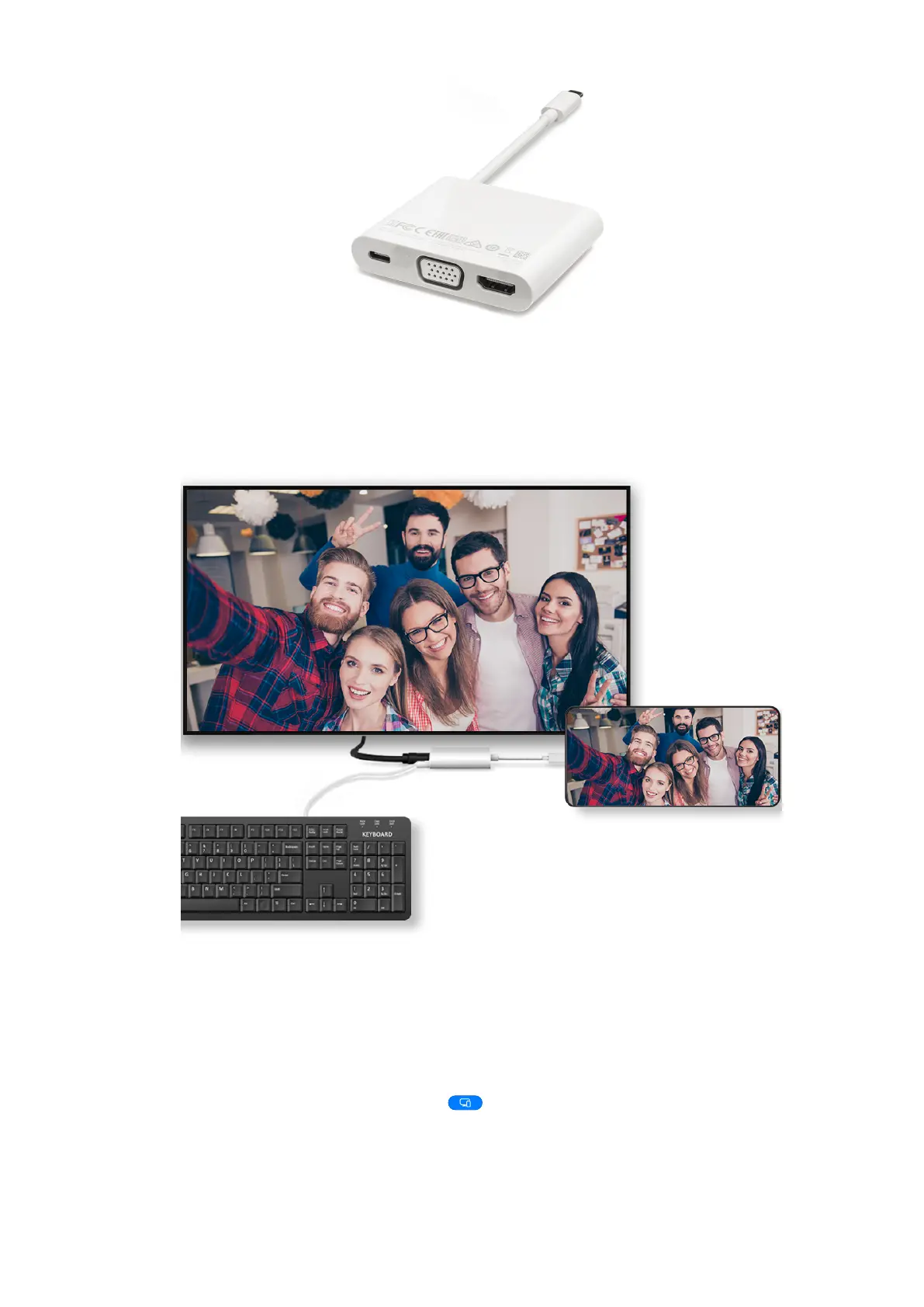
2 Connect your phone and the large display to the docking station, then connect the
wired mouse and keyboard to the docking station.
3 On the external display, set the corresponding HDMI, DP, or MiniDP input as the signal
source.
Use Desktop Mode
After your phone screen is projected, go to
> Projection mode on your phone, and
touch Desktop mode.
In Desktop mode, your phone and the large display work independently and can show
content. content projected on the large display is in a layout similar to that on
a computer desktop.
HONOR Connect
45



 To Next Page