HONOR Connect
Sma Collaboration
Enjoy sma life with HONOR Connect
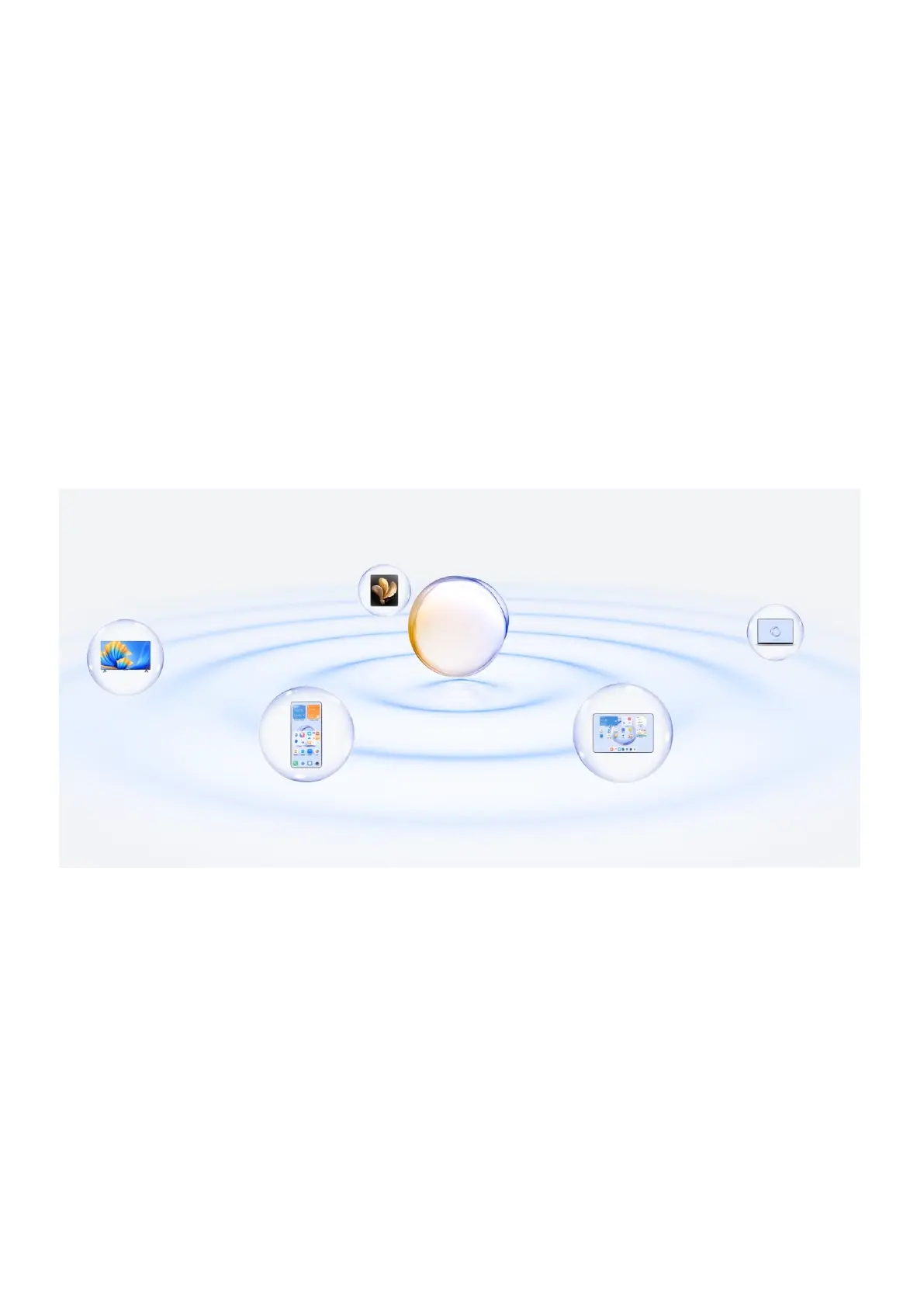
HONOR Connect, based on HONOR-developed MagicRing technology, can make devices
collaboration more convenient and
Devices logged in with the same HONOR ID can discover and automatically connect to
each other, forming MagicRing. Information and can seamlessly transfer across
the devices, fully leveraging each device’s advantages and making your life more
convenient and Go to Settings > HONOR Connect to learn about the functions
by the device model and version.
1. Connected Apps: You can transfer an app that you worked on from one device to
another one to continue without any interruption. For example, a being edited on your
phone can be seamlessly transferred to a computer to continue editing.
2. Connected Call: You can receive or make phone calls on your tablet or PC so that you
won’t miss any calls or stop your current task. For example, you can answer
phone calls on your tablet.
3. Connected Notication: You can handle or view phone on your tablet or PC
so that you can stay focused on your current work without missing information.
For example, you can close the phone alarm on your computer.
4. Connected Input: You can use the computer or tablet’s keyboard, mouse or touchpad to
control several devices at the same time and drag & drop between these devices
24



 To Next Page