Apply a Filter to Photos
1 Open Camera and select PHOTO mode.
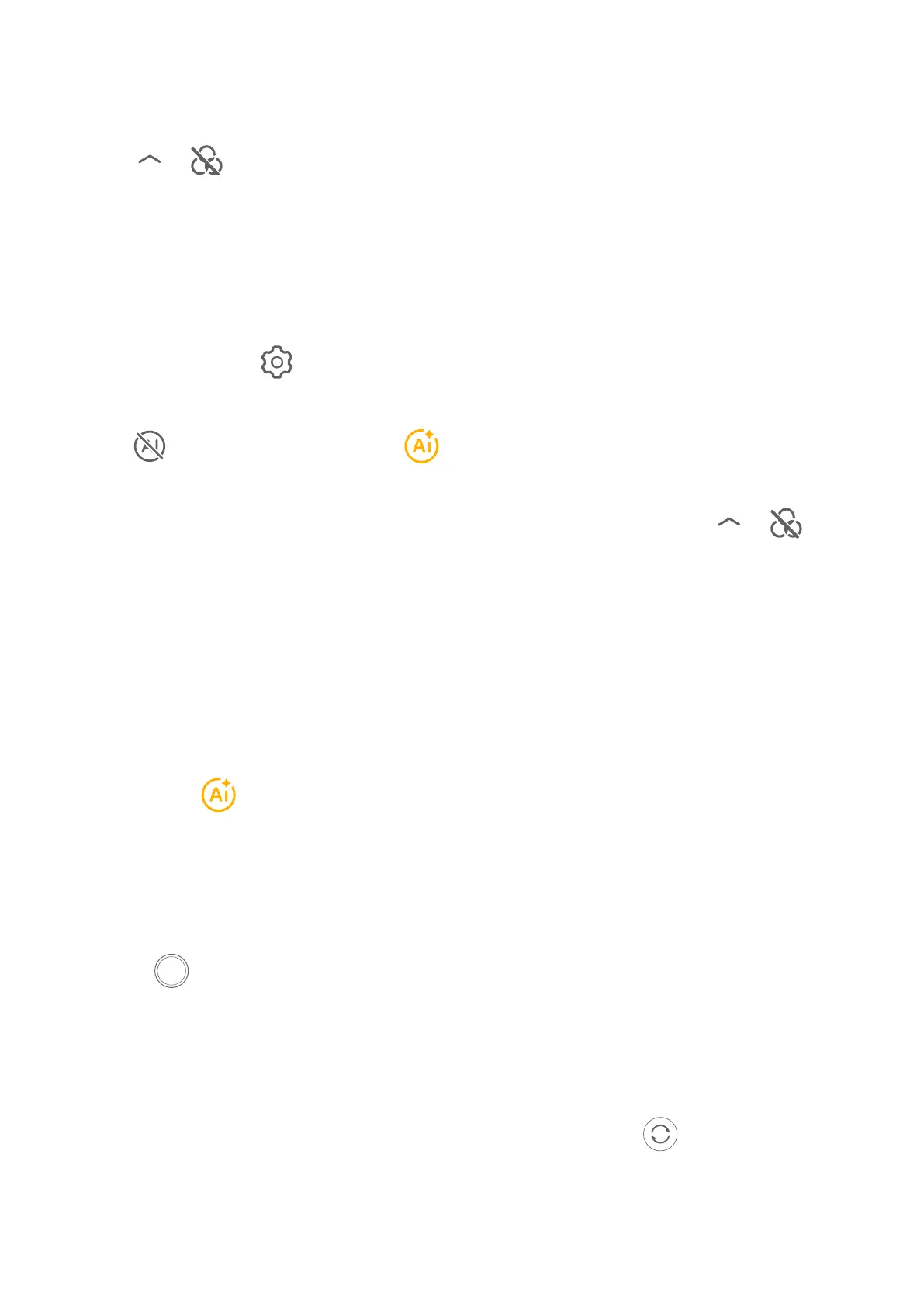
2 Tap > to preview the
3 Tap the shutter button to take a photo or recording a video.
Recommend Filters
After the camera recognizes the shooting scene, it recommends suitable to take
pictures according to your usage habits.
1 在Camera中,点击
> Recommend lters,开启滤镜推荐功能。
2 In the Camera, select the PHOTO mode.
3 Tap to enable AI Photography ( is on).
4
Aim your phone at the target. camera can automatically turn on a shooting mode
once it recognizes a scene (such as people and food), and you can tap > so
that the camera will recommend proper for you based on your usage habits.
Take Wide-Angle and Zoomed Photos
Using the camera's wide-angle and zoom function to capture a wider range or a more
distant view.
Take Wide-Angle Photos
1
Open Camera and select PHOTO mode.
2 Ensure that is enabled.
3 Aim the camera at the object you want to take a photo of. camera will
automatically recommend Super wide angle mode if it detects a building. Touch Wide
to have a wider angle of view.
You can also drag the zoom slider in the or pinch in or out to adjust the
zoom level. A smaller value will result in a wider angle of view.
4 Touch to take a photo.
Automatically Switch to Wide Angle When Taking Seles with the Front Camera
When the front camera of your phone detects multiple people in the frame, it will
automatically switch to the wide angle to more people into your photo.
1 Open Camera, select PHOTO or PORTRAIT mode, then touch to switch to the front
camera.
2 Ensure that Bokeh is disabled in PORTRAIT mode.
Video Creation
53


 To Next Page
 Loading...











