Focus Mode Applicable Scenarios
MF (Manual
focus)
Tap the area you want to focus on (such as the face of a person).
• Adjust the color tone: Tap WB
·
and select white balance.
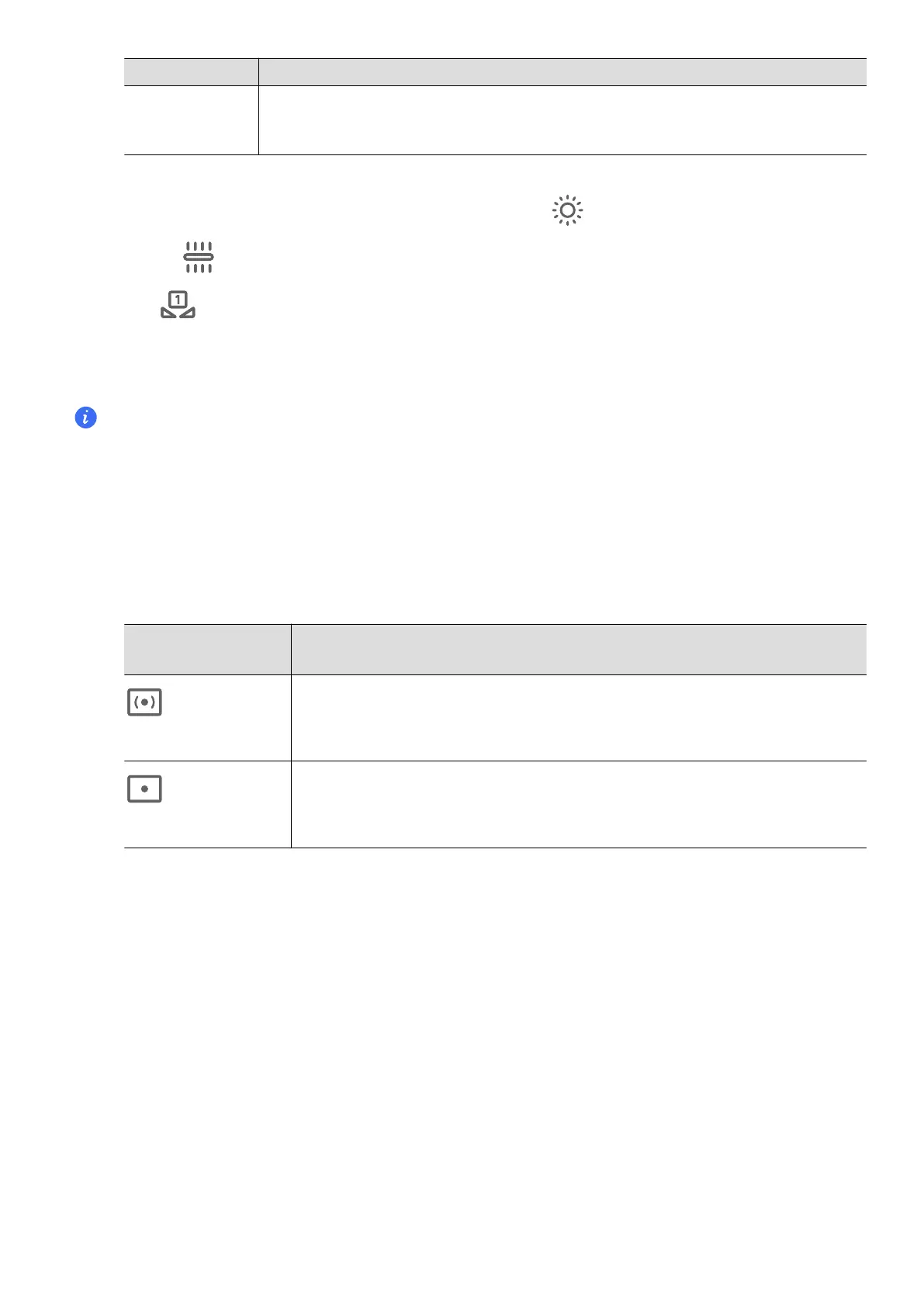
When shooting in bright sunlight, you can select
. In low-light environments,
select .
Tap to adjust the color temperature, giving a cooler or warmer tone to the
photo.
3 Tap the shutter to shoot.
Adjusting some settings may cause other settings to change accordingly. Please adjust
carefully according to your needs.
Use the Pro Mode
1
Open Camera and select MORE > PRO mode.
2
You can set the following parameters:
• Adjust the metering method: Tap M to select the metering method.
Metering
method
Applicable scenarios
Center-
focused metering
Focus on metering the center area of the frame. Suitable for
shooting
Point
metering
Metering of a small area in the center of the frame (such as
the eyes of a person).
• Adjust ISO sensitivity: Tap ISO and slide the ISO adjustment area.
When the light is low, increase the ISO sensitivity; when there is plenty of light, lower
the ISO sensitivity to avoid excessive noise in the picture.
• Adjust shutter speed: Tap S and slide the shutter speed adjustment area.
Shutter speed will the amount of light into the camera, when shooting still
landscapes and adjust the shutter speed lower; when shooting moving
landscapes and adjust the shutter speed higher.
• Adjust the exposure compensation value: Tap EV
·
and slide the EV adjustment area.
When the light is low, adjust the EV value higher; when the light is high, adjust the
EV value lower.
• Adjust the focus: Tap AF
·
and select the focus mode.
Video Creation
58


 To Next Page
 Loading...











