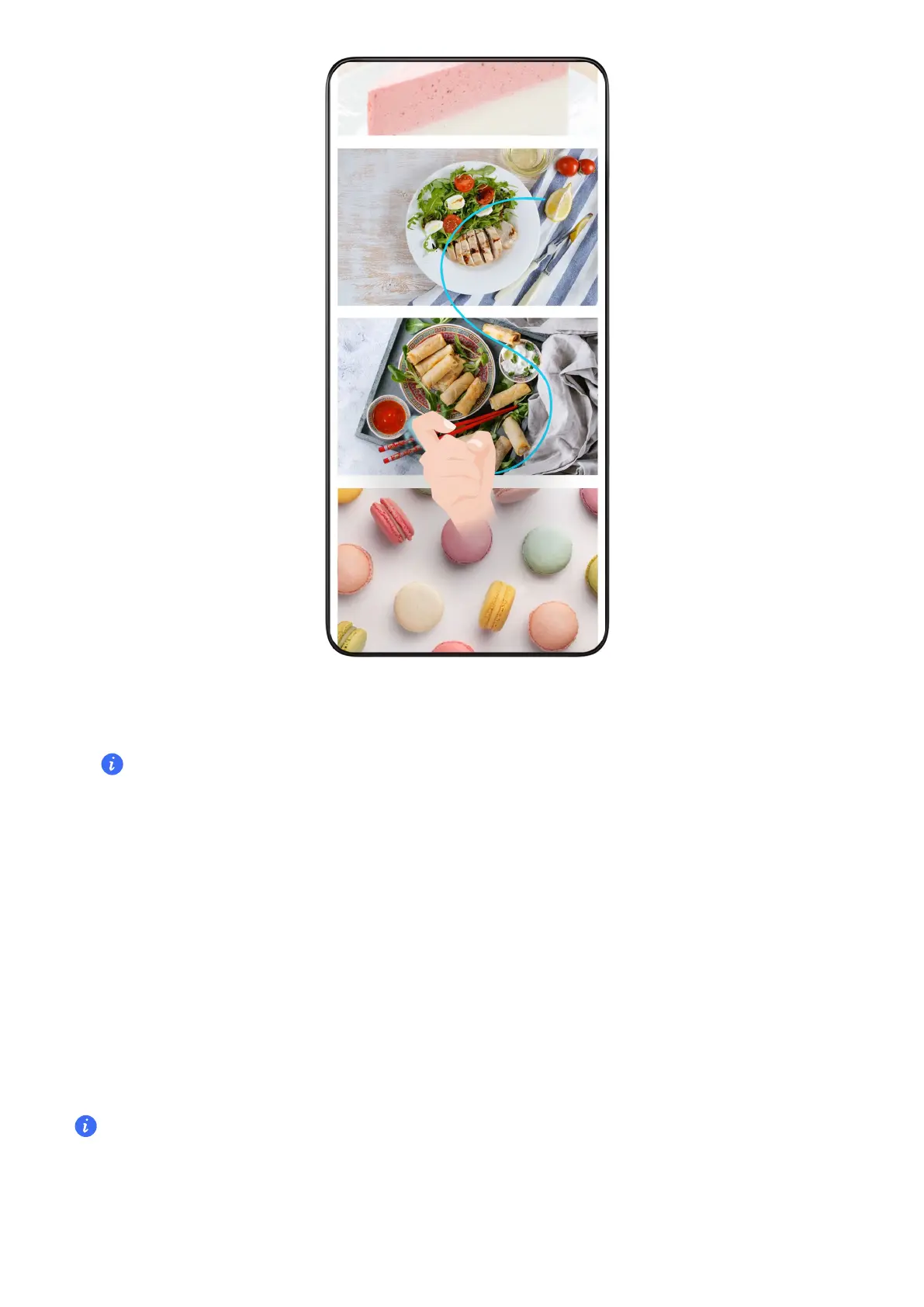
1
Tap the screen with one knuckle and keep your knuckle on the screen, apply a little
force to draw an "S" shape, and the screen will automatically scroll down to take a
screenshot.
When using this function for the time, please follow the system instructions to enable
Scrollshot.
2
During scrolling, tap on the scrolling area to stop taking the screenshot.
Swipe Down Using ree Fingers to Take a Screenshot
1 Go to Settings > Accessibility features > Shocuts & gestures > Screenshot/Global
Favorites, and select ree-nger swipe down, Take screenshot is enabled.
2 Swipe down from the middle of the screen with three to take a screenshot.
Grabshot
When both hands are occupied and can’t touch the screen, you can take a screenshot by
air gestures.
Screenshot is restricted in some applications or so that Grabshot is not
Please refer to the actual situation.
Enable Grabshot
Go to Settings > Assistant > Air Gestures > Grabshot and enable Grabshot.
Tips
73



 To Next Page