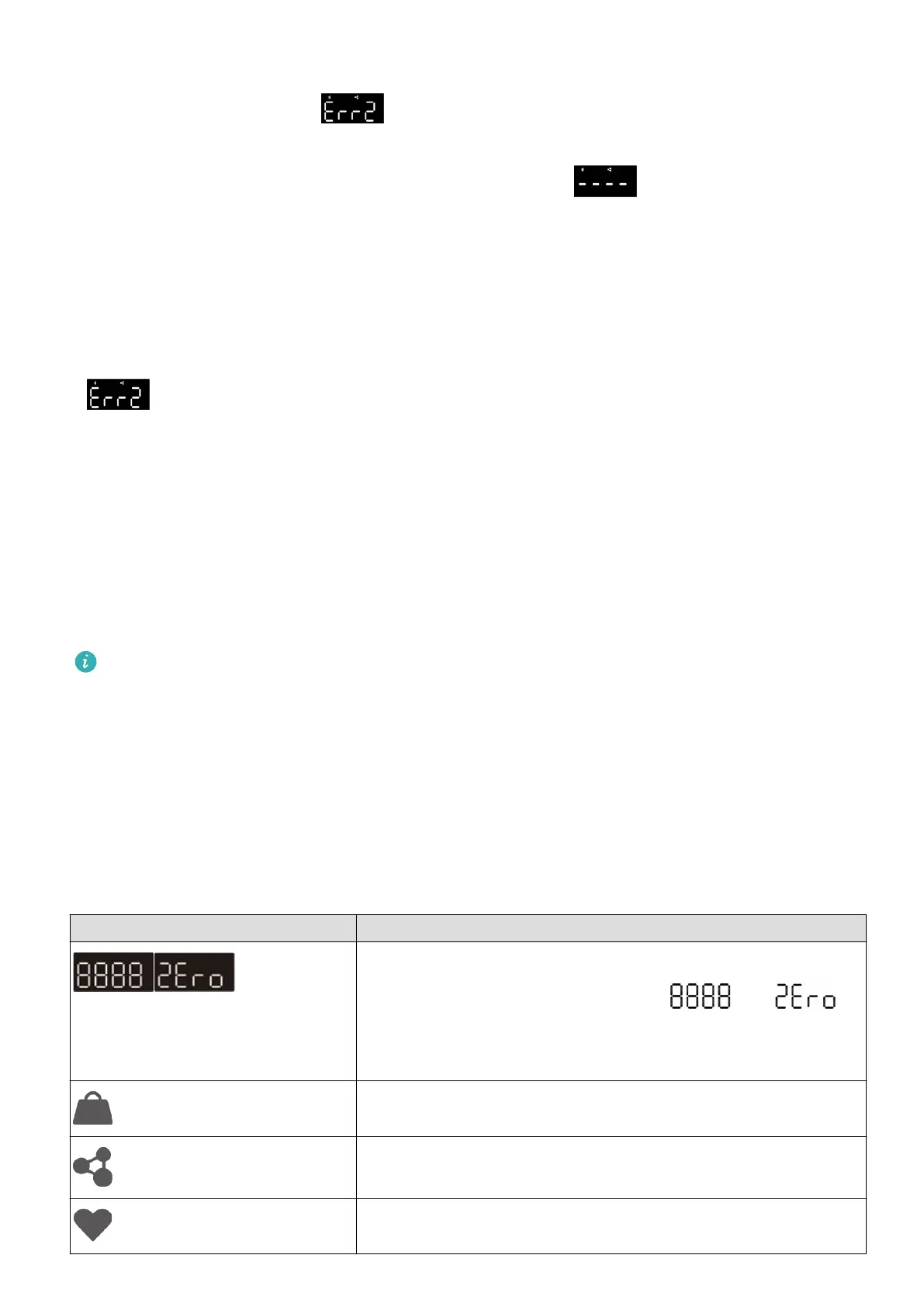
• The scale can automatically identify the current user when a measurement is started
directly on the scale. If is displayed, it indicates that the current measured data
is similar to other records and the scale cannot identify who the user is. Check and
conrm measured data in the Huawei Health app. If is displayed, it indicates
that the scale cannot identify who the user is based on the data stored locally on it. In
this case, connect your scale to your phone using the Huawei Health app, ensure that
you have entered all your information correctly, and start a measurement.
Assigning measurements
If is displayed, it indicates that the current measured data is similar to other records
and the scale cannot identify who the user is. Check and conrm your data in the Huawei
Health app.
Managing body fat data
To ensure that your scale can accurately detect users, connect your scale to your phone using
the Huawei Health app, touch Devices, touch your device name, go to Manage data >
Delete data, and select the weight data of users you want to remove and then clear them.
• Removing user data by mistake may result in the scale being unable to identify the
user. Proceed with caution.
• After the user data is cleared, you can update your personal data by either starting a
measurement in the Huawei Health app when the scale is connected to the phone
using the Huawei Health app, or check and conrm your measured data in the Huawei
Health app after the measurement.
Indicator and display
LED indicator Description
Startup status After the battery is installed, the scale will
power on automatically and display and in
sequence. Place the scale on the ground or step on the
scale for this indicator to disappear.
Displays the measured weight.
Displays the measured body fat rate.
Displays the measured heart rate.
Starting the measurement
6


 To Next Page