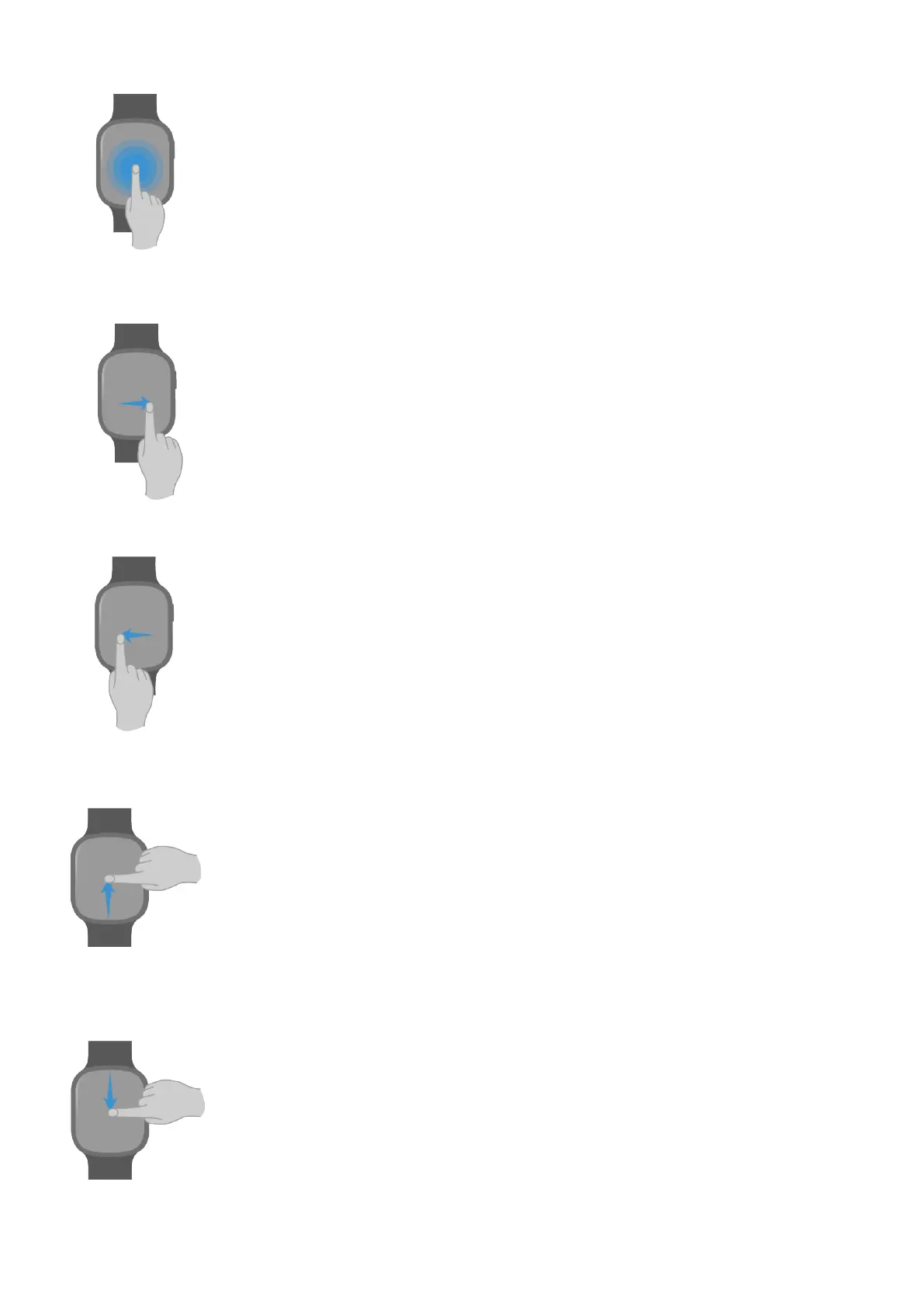
Tap and
hold
Change the watch face (by tapping and holding on the watch
face screen).
Swipe right • View the device card (by swiping right on the watch face
screen).
• Return to the previous screen.
Swipe left View the device card (by swiping left on the watch face
screen).
Swipe up • View message notications (by swiping up on the watch
face screen).
• View more features and information.
Swipe down • View the shocut menu (by swiping down on the watch face
screen).
• View more features and information.
Getting Staed
3



 To Next Page