Pairing with a phone
Android
1 Install HONOR Health.
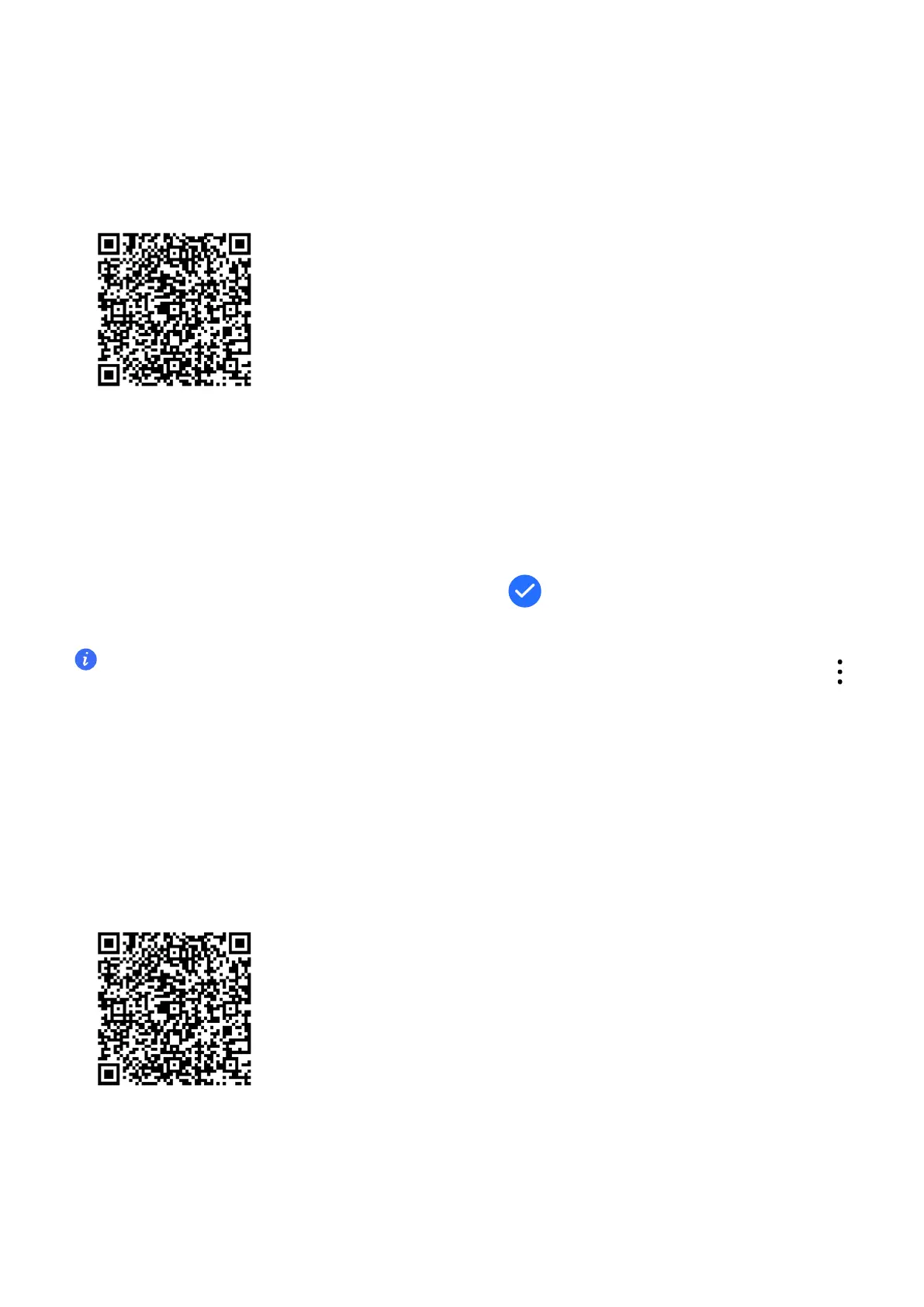
To download and install the latest HONOR Health app, please scan the QR code.
2 Open HONOR Health, tap Me > Log in to HONOR ID, and log in by entering the account
and password.
3
Power on your watch and select the language.
4
Place your watch close to your phone. Open the HONOR Health app and go to Device >
Add device. en, the app will automatically scan for available devices. Select the
target watch and pair it according to the onscreen instructions.
5 If a pairing request appears on your watch, tap and conrm the pairing on your
phone.
• If you don't see the target watch in the list of available devices automatically found, tap
> Scan, scan the QR code on the watch, and pair it according to the onscreen instructions.
• After the successful pairing, your watch will display the success, and you can sta exploring
more features of your watch. If the pairing failed, your watch will display the failure and go
back to the power-on screen.
iOS
1 Install HONOR Health.
To download and install the latest HONOR Health app, please scan the QR code.
2 Open HONOR Health, tap Me > Log in to HONOR ID, and log in by entering the account
and password.
3 Power on your watch and select the language.
4 Place your watch close to your phone. Open the HONOR Health app and go to Device >
Add device. en, select the target watch in the list to pair it.
Getting
Staed
4



 To Next Page