Getting started
Powering on, powering off, and restarting
Powering on the watch
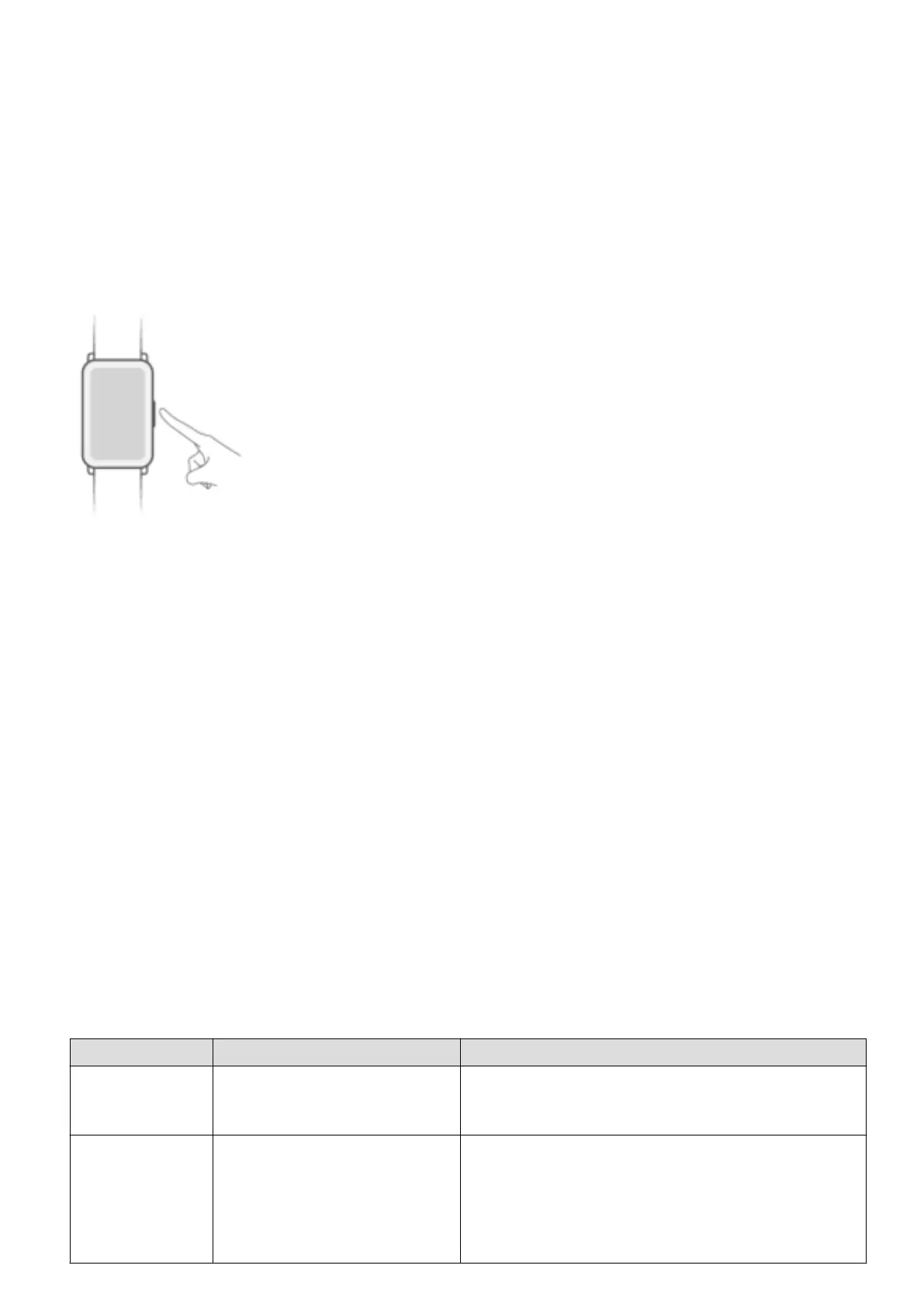
• Press and hold the button to power on the watch.
• The watch will power on automatically when you connect it to a charger.
You will be prompted with a message asking you to charge your watch when the battery is
critically low. The watch will power off and you won't be able to power it back on again without
the charger.
Powering off the watch
• On your watch, go to Settings > System > Power off.
• Press and hold the button for 3 seconds, then touch Power off.
Your watch will automatically power off if it has run out of battery.
Restarting your watch
• On your watch, go to Settings > System > Restart.
• Press and hold the button for 3 seconds, then touch Restart.
Buttons and gestures
Your watch comes equipped with a touchscreen. You can swipe up, down, left, or right, as well
as touch and hold the screen to perform operations.
Operation Function Note
Press the side
button.
Return to the home screen. There are certain scenarios such as during
workouts where this won't work.
Press the side
button when on
the home
screen.
Enter the app list. --
1



 To Next Page