4
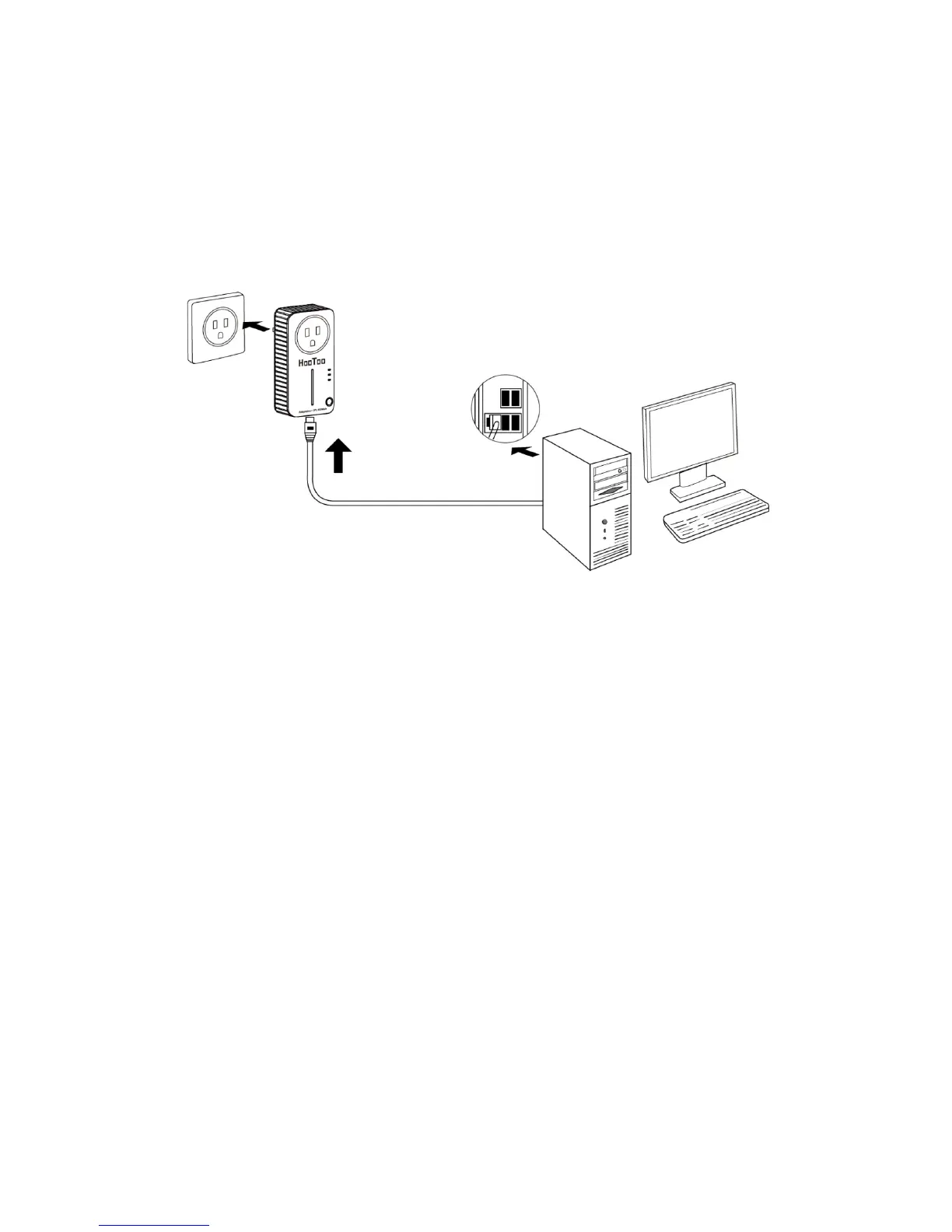
2. Connect the other end of the Ethernet (RJ-45) cable to the
computer’s LAN port.
3. Plug the Powerline Adapter into a wall socket.
4. Turn on your computer.
5. Make sure that the Power LED and Ethernet LED on the Powerline
Adapter are turned on.
Please, refer to the diagram below:
Note:
Do not connect the Powerline Adapter to any power strip, cable
extension, or surge protector as these may limit the network
performance.
2.3 Hardware Connection – Internet
Follow the following steps to connect the Powerline Adapter to your
ADSL connection through the ADSL Ethernet port:
1. Connect one end of the provided Ethernet (RJ-45) cable to the
Powerline Adapter’s Ethernet port.
2. Connect the other end of the Ethernet (RJ-45) cable to an Ethernet
port on your ADSL Router.
3. Plug the Powerline Adapter into a wall socket.
4. Turn on your computer.
5. Make sure that the Power LED and Ethernet LED on the Powerline
Adapter are turned on.



 To Next Page