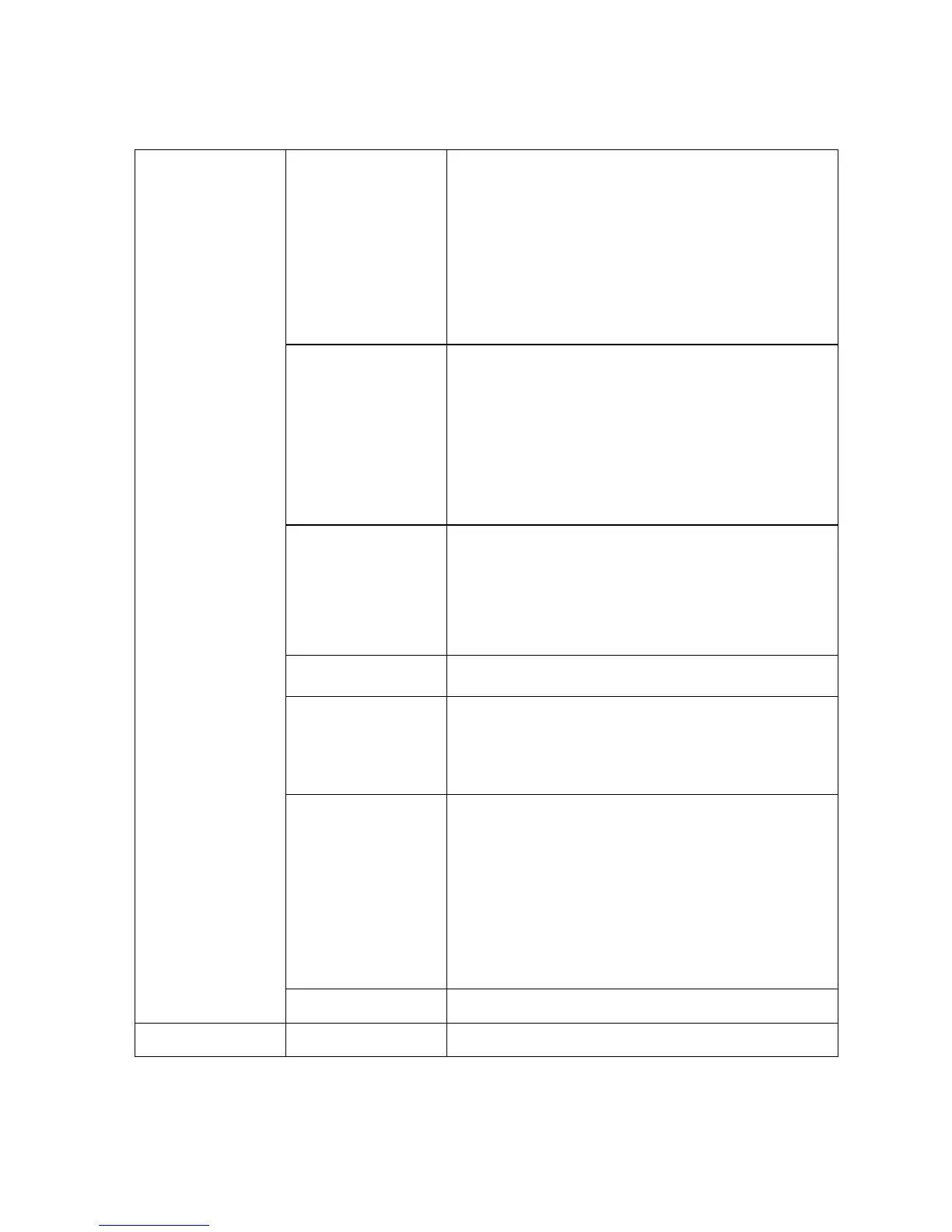
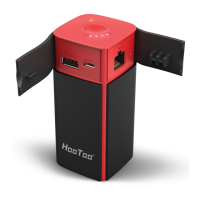
WiFi LED shows the system initiating
state:
Blue LED Start flashing: Kernel loading in
process
Blue LED Stop flashing: System initiation
completes
Green LED:Internet is connected
successful
1. Power on/off button (3 second long
pressing)
2. percentage of remaining power
button(short pressing)
Factory default reset button
AC power plug for charging internal
battery and provide power to the device
at max 1A
In power on mode, USB host 1 can
connect USB storage for WiFi accessing;
USB host 2 can charge your tablet/phone
with max 1A output. In power on &off
mode, USB host 1&2 can charge your
phone/tablet, total up to 2.1A current


 To Next Page