5
CARPET CARE CONTROL SELECTOR
The carpet care control selector raises and lowers the
height of the nozzle.
Ensure that the cleaner is in an upright (parked) position.
Slide the knob to position best suited to depth of carpet
pile.
Try various settings until you get the best results for your
carpet.
NOTE: Using this cleaner for loop carpets or carpets with
pile greater than 30mm is not recommended. Please
consult the oorcare/carpet manufacturer’s recommended
cleaning instruction before vacuuming.
!
IMPORTANT! When cleaning hard floors
such as vinyl or linoleum, move the selector
knob to the HARD floor position. Failure to
do so may cause damage to the floor
surface.
!
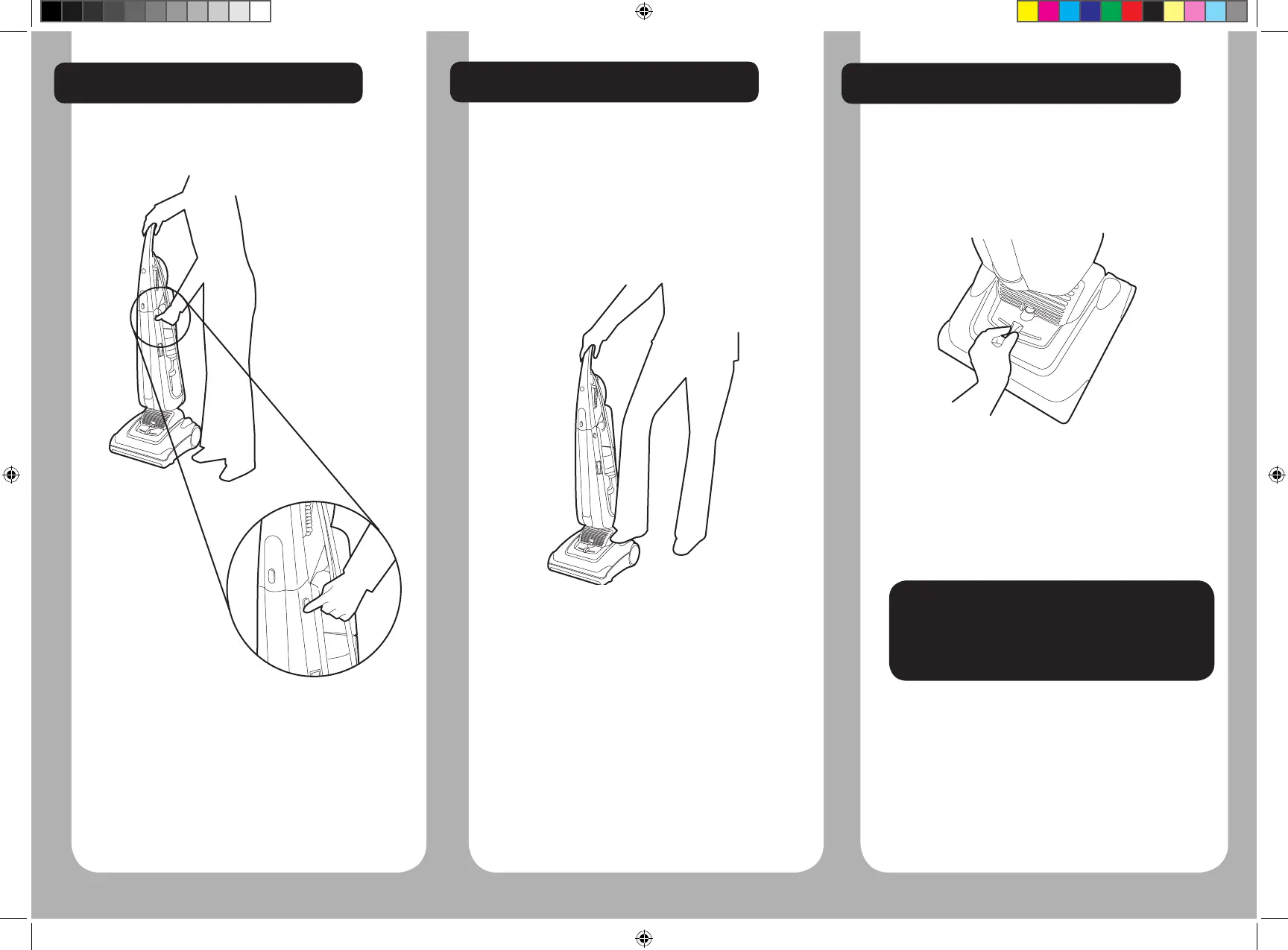
CLEANER LOCK RELEASE
The cleaner can be adjusted to 3 different positions.
Upright - For storage and when using tools.
Position 1 - For general cleaning on carpets and
ooring.
Position 2 - For reaching under furniture and some
maintenance tasks.
Unlock the cleaner by pressing down on the pedal
with your foot.
Press the pedal a second time and lower the cleaner
to the oor.
POWER SWITCH
To switch the cleaner on or off, press the On/Off
button on the side of the cleaner.
DM EVO IM 48002652.indd 5 12/10/2010 09:33:30



 To Next Page