EasyManua.ls Logo

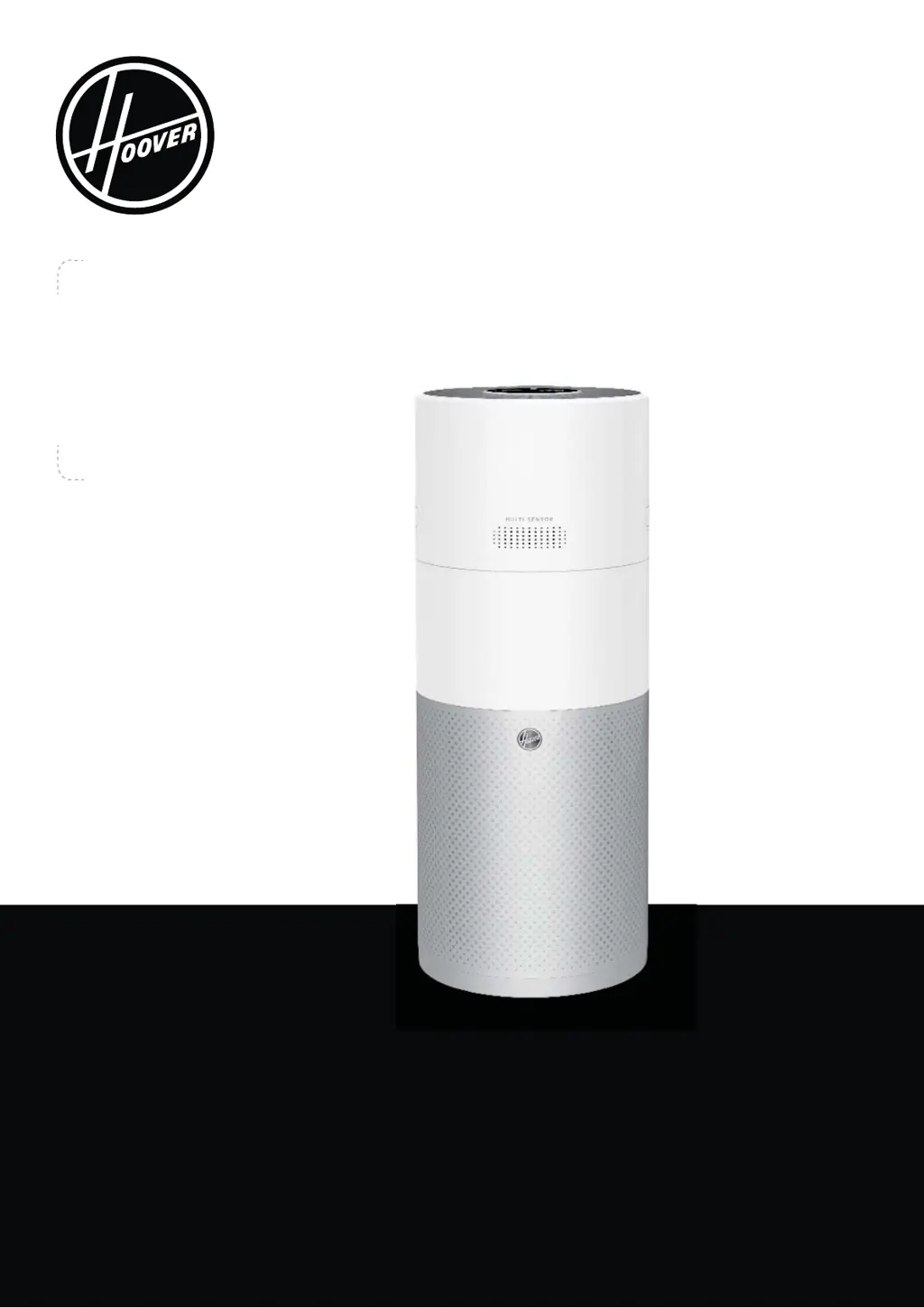
Hoover H-PURIFIER 700 - User Manual

Hoover H-PURIFIER 700
224 pages
Print Icon
To Next Page IconTo Next Page
Loading...
®
USER MANUAL (GB) ............................. 2
MANUEL D’UTILISATION (FR) ............ 15
BEDIENUNGSANLEITUNG (DE) ......... 28
MANUALE PER L’UTENTE (IT) ........... 41
GEBRUIKSAANWIJZING (NL) ............. 54
MANUAL DE INSTRUÇÕES (PT) ........ 67
MANUAL DE USUARIO (ES) ............... 80
BRUGERVEJLEDNING (DK) ............... 93
BRUKERMANUAL (NO) ..................... 106
INSTRUKTIONSMANUAL (SE) .......... 119
KÄYTTÖOHJE (FI) ............................. 132
  (RU) . 145
ΟΗΓΊΕΣ ΧΡΉΣΗΣ (GR) ......................... 158
 . 171
 ..................... 184
 .. 197
KULLANMA KILAVUZU (TR) ............. 210

Questions and Answers

  • B
    Belinda BlevinsAug 5, 2025
    Why is the air flow weak on my Hoover H-PURIFIER 700?
    • K
      Kristen GutierrezAug 5, 2025
      If the airflow from your Hoover Air Cleaner is weak, make sure that the protective packaging has been removed from the filter. Also, check for any obstructions in the air intake cover or air outlet. Review the filter status on the control panel or in the app for any clean or replace warnings. Finally, verify that the H-Purifier is not in sleep mode, as the fan operates at a reduced power in that mode.
  • C
    Christopher HuntAug 12, 2025
    What to do if the buttons on my Hoover H-PURIFIER 700 do not operate?
    • S
      Steven HarveyAug 12, 2025
      If the buttons on the control panel or display of your Hoover Air Cleaner are not working, check if the child lock has been activated. To deactivate it, press and hold the Child Lock Button for 3 seconds.
  • C
    Crystal MorrisAug 19, 2025
    How to fix a Hoover H-PURIFIER 700 fan that is not working?
    • F
      fowlerconnorAug 19, 2025
      If the fan on your Hoover Air Cleaner isn't working, start by checking the display or the app for any alerts. Next, check for any obstructions that may be blocking the fan. Ensure that the H-Purifier is switched on and that the filter is correctly installed. Also, confirm that the H-Purifier is standing upright and is not leaning. Finally, make sure that the H-Purifier is plugged in and switched on.
  • H
    Heather DominguezAug 28, 2025
    Why are there no lights on my Hoover H-PURIFIER 700 control panel?
    • L
      Lindsay WalkerAug 28, 2025
      If there are no lights on the control panel of your Hoover Air Cleaner, check if the lights have been switched off by pressing the Light Control button on the control panel or display.

Hoover H-PURIFIER 700 Specifications

General IconGeneral
BrandHoover
ModelH-PURIFIER 700
CategoryAir Cleaner
LanguageEnglish

Related product manuals