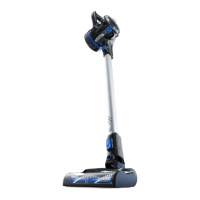
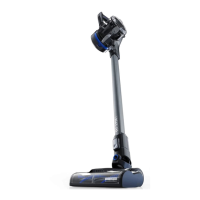
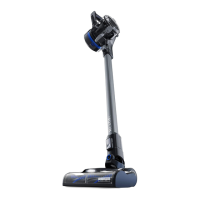
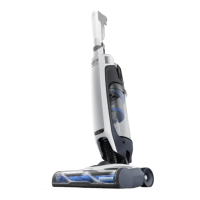
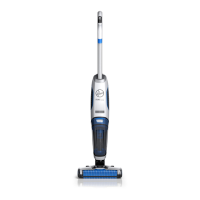
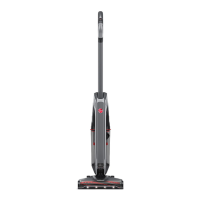
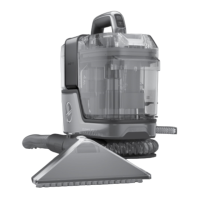
GENUINE PARTS AND ACCESSORIES: We recommend using only with genuine HOOVER® solutions (for
carpet and spot cleaners), parts, and accessories. Damage caused by use with other than genuine HOOVER®
solutions, parts, and accessories is not covered by and may void your warranty.
For assistance, please call Customer Service:
1-800-406-2005 Mon-Fri 9am-6pm EST
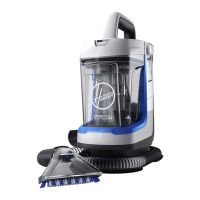
Please visit Hoover.com for video instructions and FAQ’s for this Carpet Cleaner
Replacement parts and accessories such as solutions available at Hoover.com.
CHARGING YOUR PRODUCT
1. Plug in the charger, then attach the battery pack to the charger by aligning the ribs on the battery pack to the
grooves in the charger.
2. Slide the battery pack into the charger.
NOTE: The lights on the battery will show the state of charge. If the light on the charger flashes red, there is an
error with the battery or the charger. If this occurs, disconnect and reconnect the battery or call customer
service for support. Once charge is complete, lights on the battery and charger will turn off.
3. To remove the battery pack, press the latches and pull up.
NOTE: During charging, the pack and ambient temperature should be between 32 to 86° F (5 and 30° C). The
charger will sense if the pack, or ambient temperature, is too cold or too hot, and will return an error code (red
LED will be on) and not charge the pack.


 To Next Page
 Loading...