CAUTION
Rubber may cause unwanted
stains or dis- colouring on certain
surfaces such as wood. Check
the manufacturer's recommenda-
tions to avoid damage.
!
!
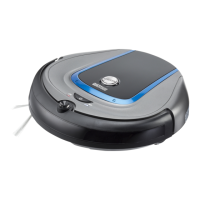
Getting started with your docking station
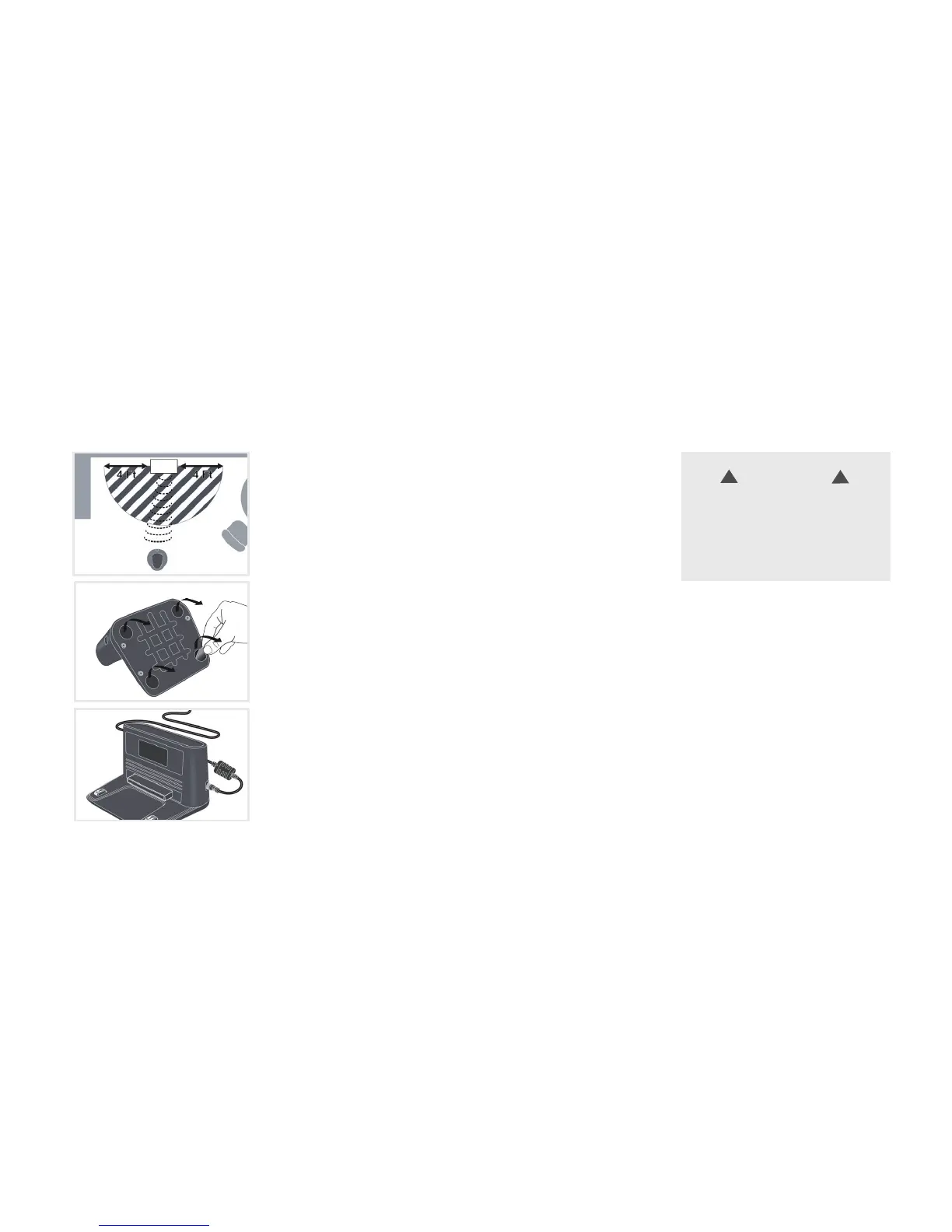
Choose a hard level surface against a wall for your docking station.
There should be at least 4 feet of clear path on all directions.
Remove clear films from the rubber feet underneath the docking
station and position it in a stable manner.
Always keep the docking station plugged in.
8
NOTE: Do not place invisible wall near the
docking station. Otherwise your robot may
be impeded from docking to the station.


 To Next Page
 Loading...