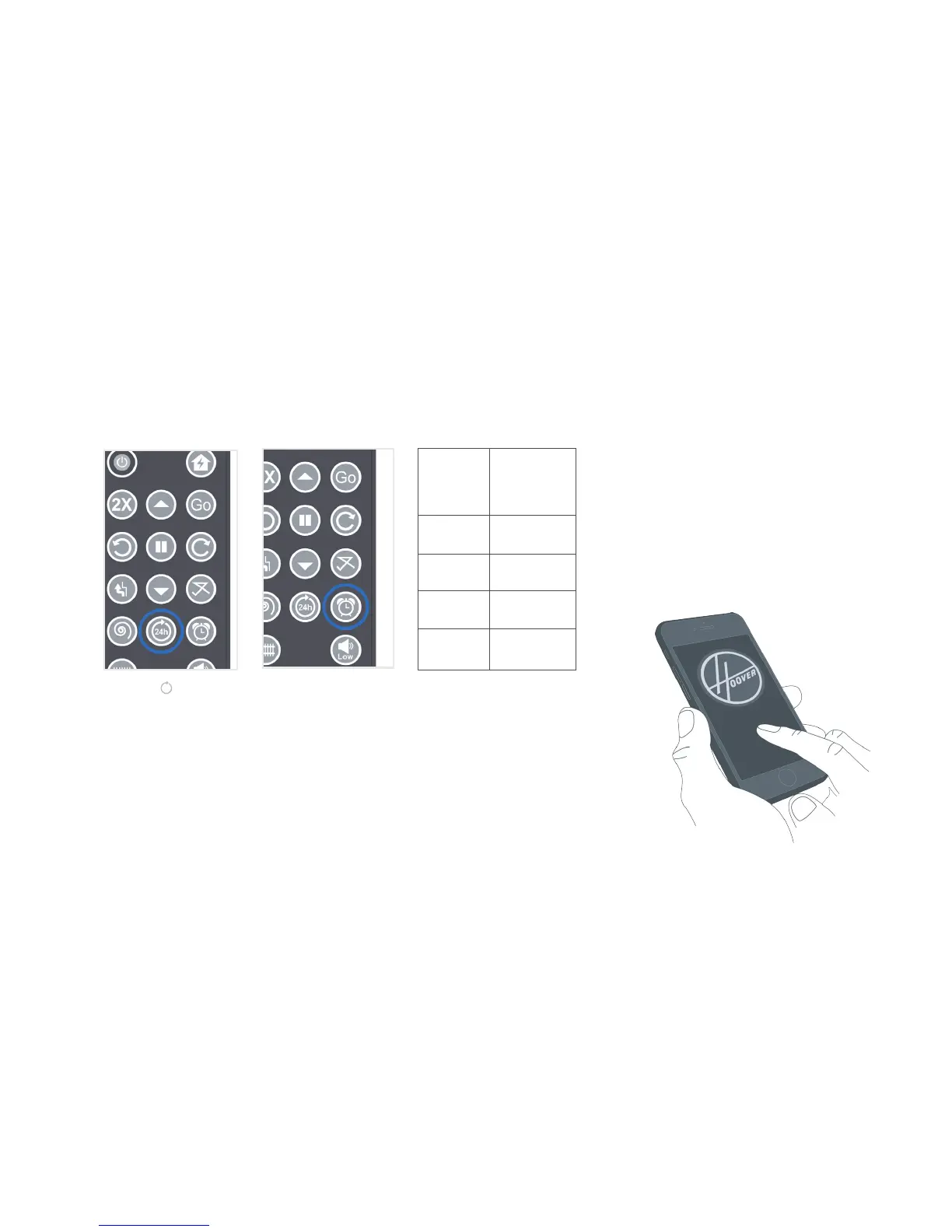
How to schedule
Press the (
24h
) key on
the remote control.
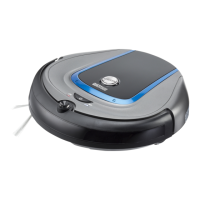
Your robot will start
cleaning immediately
and schedules to
clean at the same time
every 24 hours. To
deactivate the 24 HR
repeat cycle, press
the button again.
Delay Start. To deactivate this timer,
press and hold the key.
14
1 HR Once
2 HR Twice
4 HR
Thrice
8 HR
4 times
Delay
Press the
timer key
NOTE: For more and easier shceduling options,
download Hoover Mobile App from iTunes store
or Google play.
NOTE: Quest™ automatically returns to the docking
station and docks itself whe its running low on battery
power. If it fails to dock after a few attempts, you may
manually position it correctly on the docking station.
After fully charged (4.5 - 5.5) hours, Quest
™ turns all
the LEDs off and is ready to use.
Invisible Wall




 To Next Page