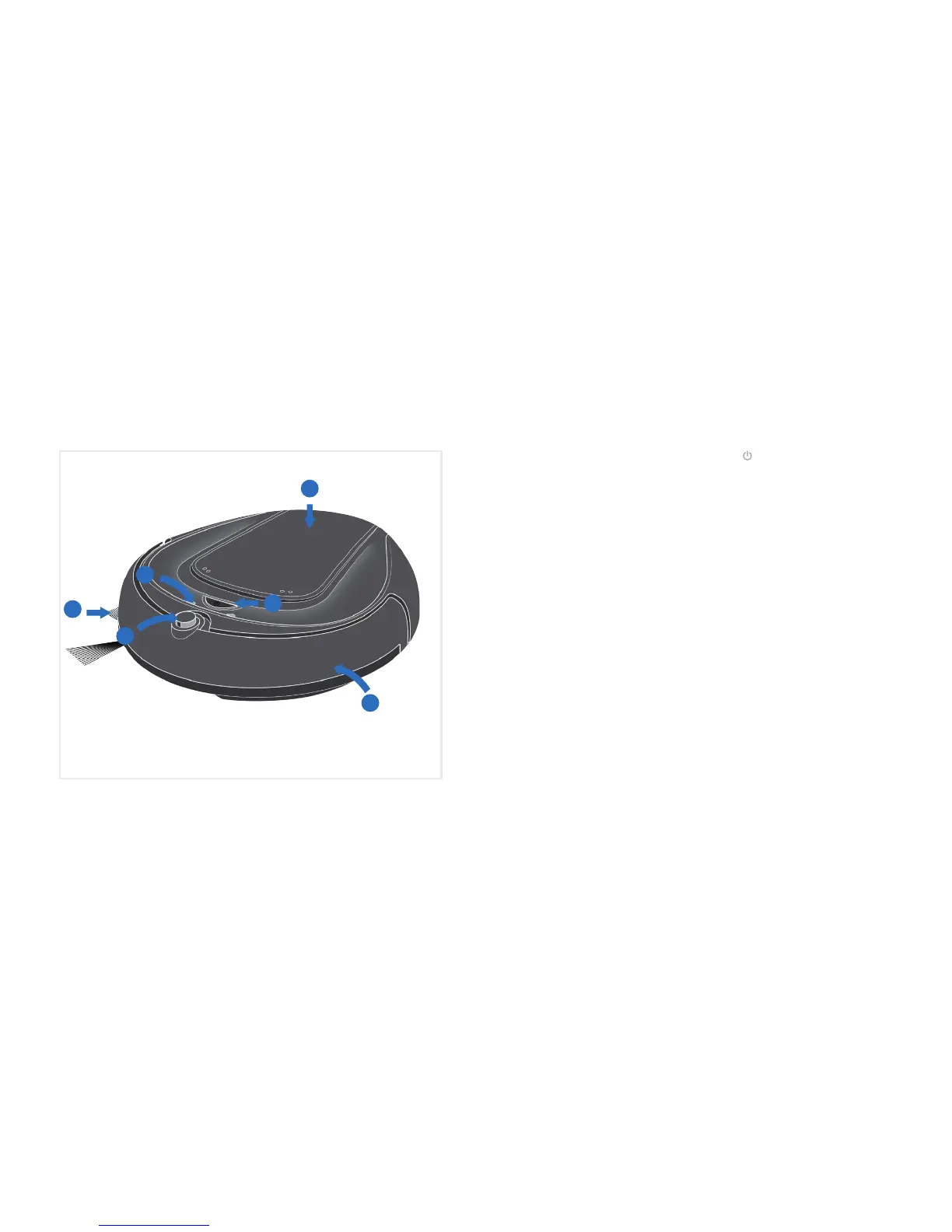
Get to know your Quest
TM
Robotic Vaccum
1
2
3
4
6
5
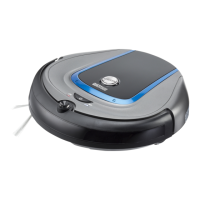
1. Side brush:
- conveys dir t to the main brush
- may be pulled off for short pile carpet
cleaning
2. IR sensor:
- guides Quest
™
back to its docking
station as soon as the battery capacity
becomes low or it receives the
respective command from the remote
control
3. LED indicators
* See Trouble Shooting (page 16 )for
information on LED functionality
4. "On/Off"(
) button:
- Press & hold for 2 seconds to start/stop
your robot
5. Top panel
- provides access to dirt cup & filter
6. Bumper:
- senses impact and causes the robot to
bounce backwards
- if triggered constantly for 5 seconds or
longer the robot will stop automatically
5




 To Next Page