10.
NOTE: Press the and buttons for 3 seconds at the same time to reset the WiFi.
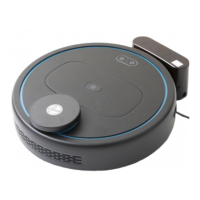
On-board Controls & Status Indicator
On-Off Button:
1. Short press: start or pause cleaning
2. Press for 3 seconds for shutdown
Recharge/Area cleaning:
1. Short press: return to charging base
to recharge
2. Press for 3 seconds to activate Area
Cleaning. The cleaner will clean a 2m x
2m area based on the current location
Status Indicator:
1. Green light: Normal operation/recharging
2. Red light: Error/low battery
3. Yellow light: WiFi connection issue


 To Next Page
 Loading...