GB
* Certain Models Only ** May vary according to model
13
IMPORTANT INFORMATION
Hoover Spares and Consumables
Always replace parts with genuine Hoover spares. These are available from your local Hoover dealer
or direct from Hoover. When ordering parts always quote your model number.
Consumables
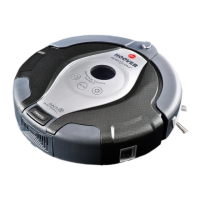
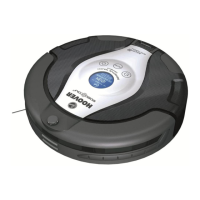
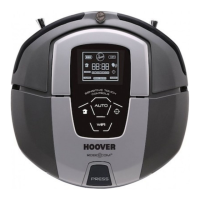
• Robo.com
³
Lithium-Ion Battery Pack RB219 35601403
• Floor Brushes RB220 35601404
• Edge Cleaning Bristles RB221 35601405
• Floor Cleaning Pads (x5) RB222 35601406
• Pre-Motor Filter RB223 35601407
• Remote Control RB214 35601340
• Dust Container RB224 35601408
• Virtual Barrier RB203 35601256
Quality
Hoover’s factories have been independently assessed for quality. Our products are made using a
quality system which meets the requirements of ISO 9001
The Environment
The symbol on this appliance indicates that this appliance may not be treated as household
waste. Instead it must be handed over to the applicable collection point for the recycling of
electrical and electronic equipment. Disposal must be carried out in accordance with local
environmental regulations for waste disposal. For more detailed information about treatment,
recovery and recycling of this appliance, please contact your local city ofce, your household
and waste disposal service or the shop where you purchased the appliance.
This appliance complies with the European Directives 2006/95/EC, 2004/108/EC and
2011/65/EU.
HOOVER Limited, Pentrebach, Merthyr Tydl, Mid Glamorgan, CF48 4TU, UK
Your Guarantee
The guarantee conditions for this appliance are as dened by our representative in the country in which
it is sold. Details regarding these conditions can be obtained from the dealer from whom the appliance
was purchased. The bill of sale or receipt must be produced when making any claim under the terms of
this guarantee.
Subject to change without notice.
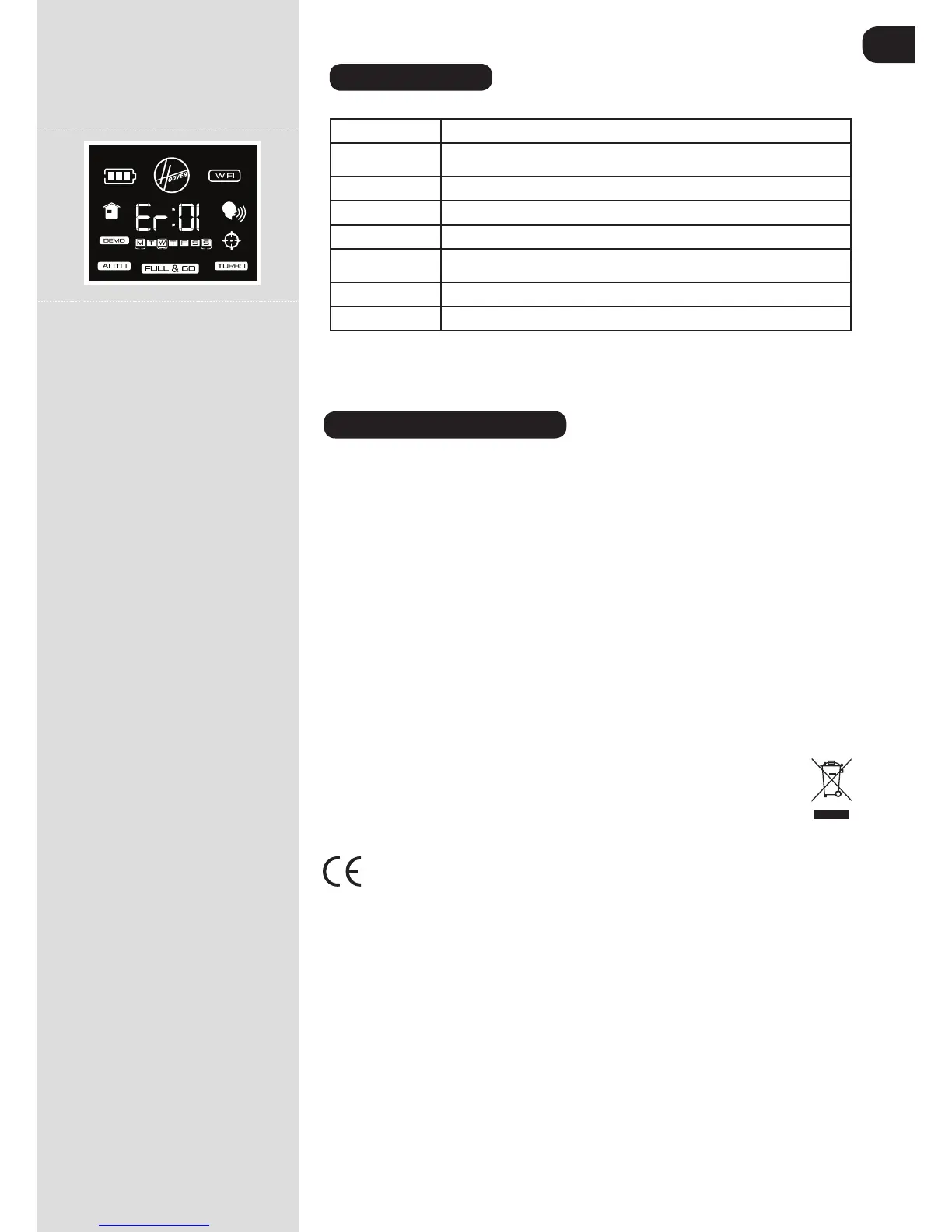
ERROR CODES
The following codes may appear during use or on start up. [Fig.29]
Failure Code
Explanation
Er01
Debris trapped in the Edge Cleaning Brush. See ‘Cleaning the Edge Cleaning
Brush’
Er02
Debris trapped in the agitators. See ‘cleaning the agitators.
Er04
Left drive wheel motor is overloaded. See ‘cleaning the drive wheels’.
Er05
Right Drive Wheel motor overloaded. See ‘Cleaning the Drive Wheels’
Er07
Left or right drive wheel not making contact with the ground. See ‘cleaning the
drive wheels’.
Er09
Dust container is absent. Replace dust container.
Er12
Debris in the left edge brush. See ‘Cleaning the edge brushes’.
ATTENTION: If any of these failures persist, contact your local Hoover representative. DO NOT try to
disassemble the Robo.com³ by yourself.
Fig.29



 To Next Page