13
OPERATING ROGUE
™
: CLEANING
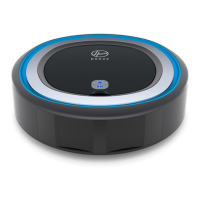
When you’re ready to send me on a
cleaning mission, press the button.
I’ll beep and start up to let you know I’ve
accepted the mission.
If you want me to take a break or pause
mid-cleaning, press the button again.
If you want me to terminate the cleaning
mission completely, press my button and
I’ll start traveling back to my base.
NOTE: For hands-free control, download the Hoover Home App to control Rogue™ from anywhere.
FIRST CLEANING MISSION
During my first mission, I will go into Recon Mode and explore my new surroundings. Once I’m done with my Recon and mapping, I’ll head back to my
base. Download the Hoover Home App to see your floor plan or press to send me out on a mission to clean your mapped home.


 To Next Page
 Loading...