Press the water tank
release button and li
the water tank by the
handle
Pull the tab on the
water tank to open
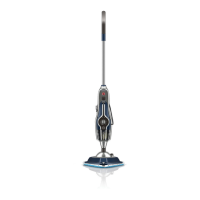
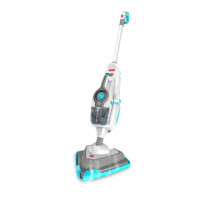
IMPORTANT: Allow the steam mop to fully cool down before performing any maintenance or troubleshooting checks
Don’t leave water or detergent in the tanks between uses, as this can eect the machines performance, the water/
detergent tanks need to be emptied and rinsed aer each use.
Empty any excess water
over the sink
Rinse water tank with water and
replace water tank tab, push
rmly to close before replacing
back onto the machine
Push both detergent
tank release buttons
and li to remove
Twist detergent tank
cap anti-clockwise
and li to remove
Empty any excess
detergent over the sink
Rinse detergent tank with water
and replace detergent tank cap,
turn clockwise to tighten before
replacing back onto the machine
Hold corner of pad down with
foot and li steam mop to
peel away
All cleaning pads are machine
washable (Max 40’C) allow to
fully dry before use
Emptying the detergent tank
Removing cleaning pads
Emptying the twin tank
MAINTENANCE
10
Max 40°C


 To Next Page
 Loading...