30
leakage current or insulation resistance lower limit, rise time, test time, fall time, delay
judgment time, select the parameter to be set and use the “Input” function key to confirm
the setup parameter, then use the numeric keys to set the required value, and then press
the "Enter" key.
In the process of test parameter setting, if it is not necessary to reset all, you can press the
"EXIT" key to exit the test parameter setting mode after any step is completed. Test
parameters are stored in memory. The program does not accept unreasonable settings
and inputs. The "X" in the following parameter setting instructions represents any number
between 0-9.
Note: After the value is set, when the “SET” or “EXIT” key is pressed and the
buzzer sounds short, you must check whether the input value is within the setting
range.
8.2 Measurement Parameter Setting
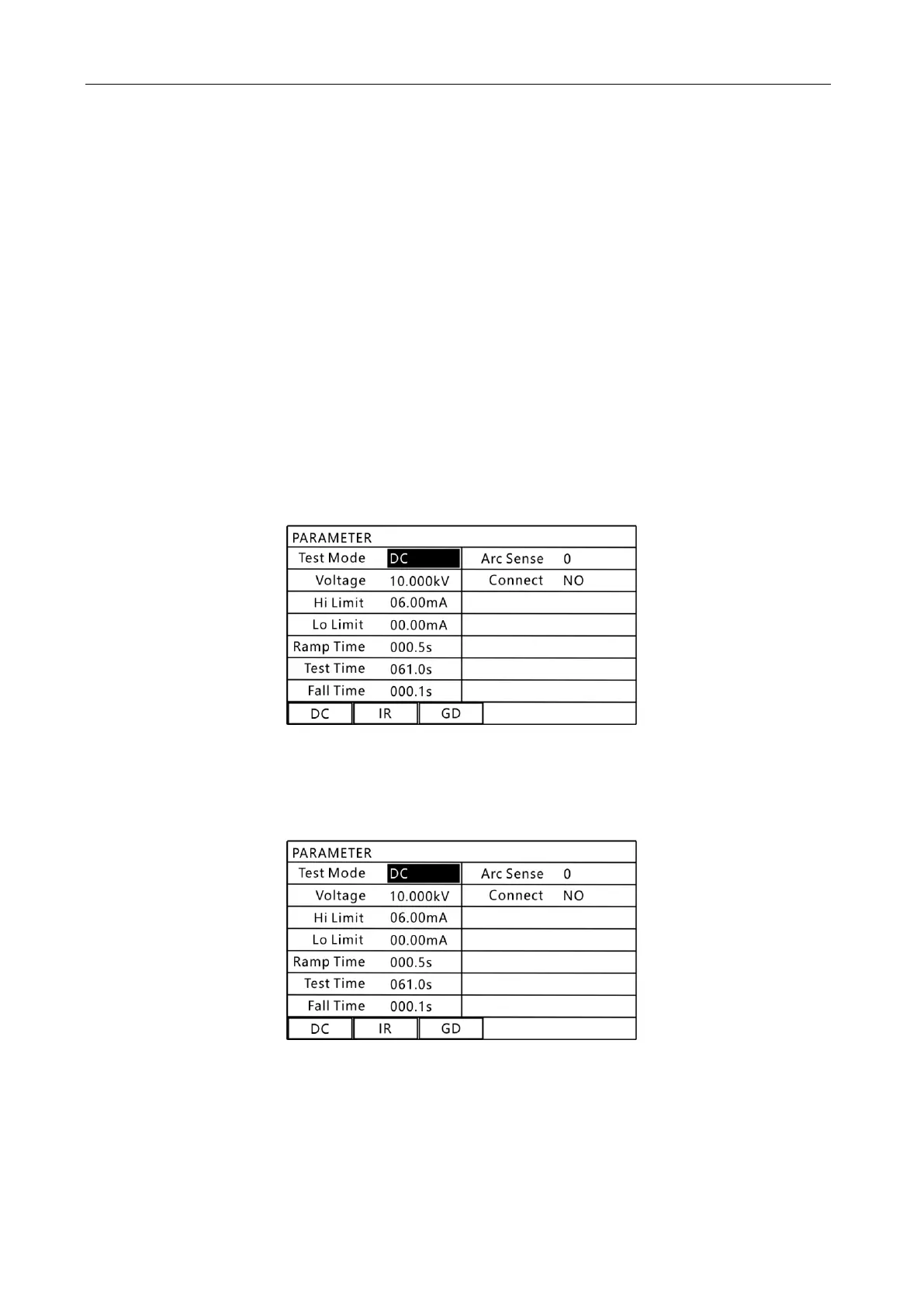
Press “Set” in the interface to be tested to enter the measurement parameter setting page,
as shown below:
8.6 Measurement Parameter Setting Interface
1. Test mode selection (DC Hi-pot test and insulation resistance test)
Press the "▲" or "▼" key to select the content to be set, as shown below:
8.7 "Test Mode" Setting Interface
In this interface, select the test mode using the function keys at the bottom of the
screen.
2. Test output voltage setting (DC Hi-pot test and insulation resistance test)



 To Next Page