Need help?
Do you have a question about the Hored PS3016S and is the answer not in the manual?
Describes the basic features, high-performance hardware and software platforms of the PS3016S PoE switch.
Lists the commodities included in the package, such as PoE switch, power cord, bracket, and user manual.
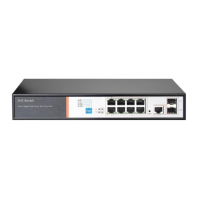
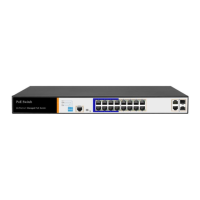
Details the front panel components including indicators, RJ45 ports, shortcut buttons, RST button, and SFP ports.
Explains the status and meaning of various indicators like PWR, POE, LINK/ACT, and SYS.
Describes functions of shortcut buttons: AI QOS, AI Extend, AI VLAN, and AI PoE.
Details the RJ45 ports, SFP ports, RST button, and console port functions.
Details the back panel components including power socket and ground terminal.
Provides safety precautions for device installation, including handling, power, and cleaning.
Specifies operating temperature, humidity, altitude limits, and precautions for dust and EMI.
Details measures for effective lightning protection, including grounding and wiring.
Specifies requirements for the installation rack or workbench, including stability and weight capacity.
Lists tools needed for installation, such as screwdrivers and wrist straps.
Provides step-by-step instructions for installing the switch in a standard 19-inch rack.
Explains how to connect network devices via RJ45 ports, including PoE functionality.
Guides on installing fiber modules into SFP ports and verifying the connection status.
Lists checks to perform before powering on the switch, including power supply and grounding.
Describes the device initialization process and indicator behavior after power-on.
Details the steps to log in to the switch's web management interface.
Presents detailed hardware specifications including standards, ports, PoE, indicators, performance, and dimensions.
Lists supported protocols, features like VLAN, QoS, PoE management, and security.

 To Next Page
 General