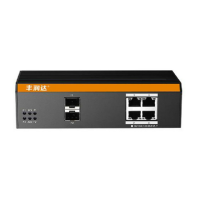
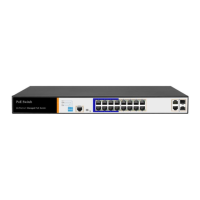
1.3Appearance
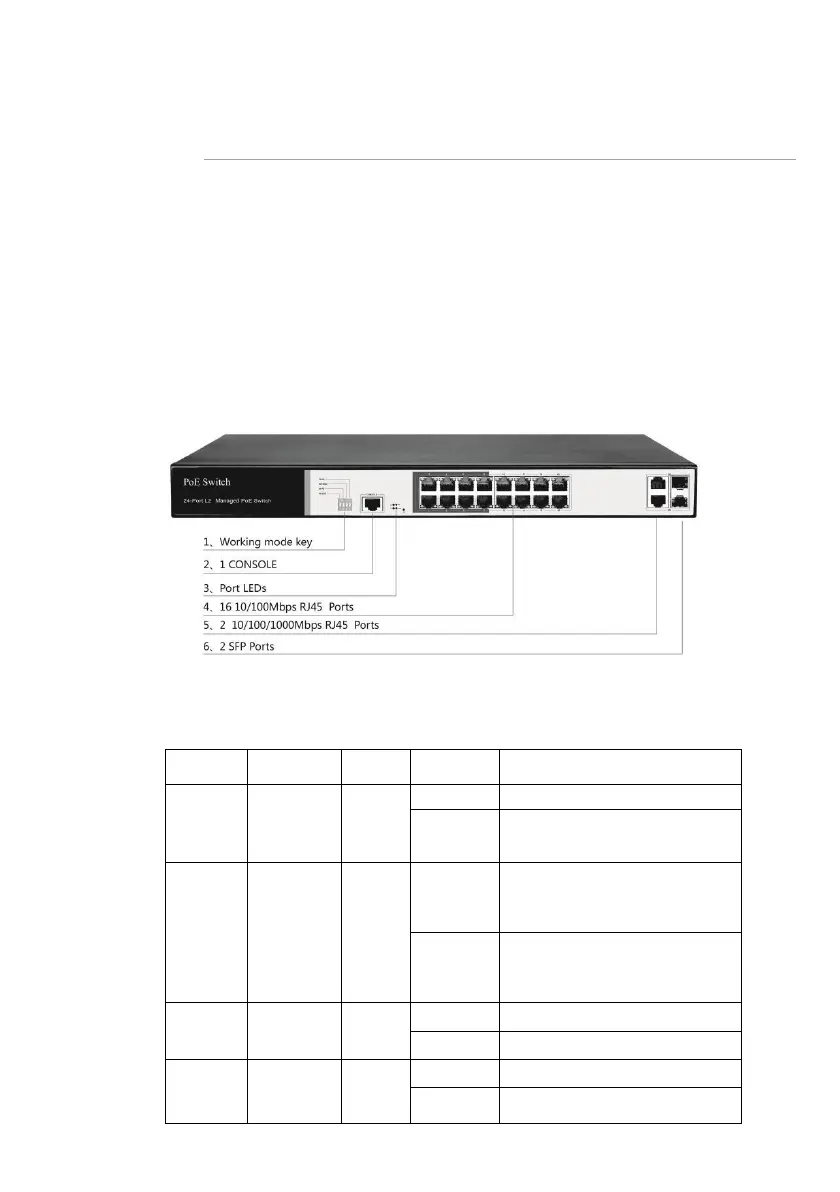
◼ Front Panel
Including indicators, RJ45 port, shortcut buttons, RST button, SFP port, CONSOLE port, as
shown in below
◼ Indicators
PS3016S The indicator working status is shown as the following table
No power, the power switch is
not turned on, power supply is
abnormal
The corresponding RJ45 port is
connected to the powered
device and the power supply is
normal
The corresponding RJ45 port is
not connected to the powered
device or the power supply is
abnormal
A valid link is established
A link is not established
System error, software is
damaged


 To Next Page