Shortcut button
◆ AI QOS: Improve video data processing capabilities and improve the monitoring of
Caton and Mosaic phenomena in the network
◆ AI Extend: 1-8 port rate down to 10Mbps, but the transmission distance up to 250
meters
◆ Ai VLAN: Isolating ports 1-6 from each other, suppress network storms effectively
and improve network performance
◆ AI PoE: Detect PD, power failure and restart dead equipment
RJ45 Port
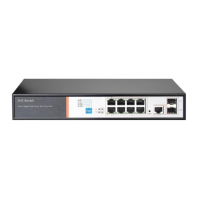
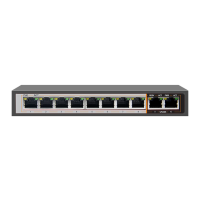
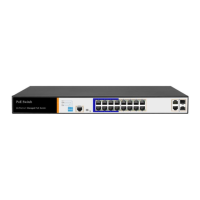
PS3016S support 16x 10/100Mbps PoE port, all ports support IEEE802.3af and IEEE802.3at
standard .In addition PS3016S also provides two 10/100/1000Mbps adaptive RJ45 port as the
uplink port, with SFP1, SFP2 form a Combo port. At the same time Combo port two ports can
only use one. Two Combo port shared 17, 18 Indicator light
SFP Port
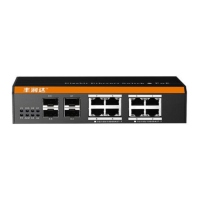
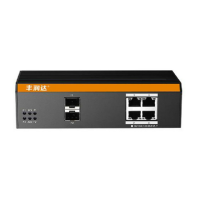
PS3016S provide 2 Combo Gigabit SFP optical ports (SFP1, SFP2), can be inserted into the
Gigabit SFP module
RST Button
When the switch is powered on, press the button with the needle to release the device and enter
the restarting state. When the SYS lamp restarts, the device restarts. When the switch is
powered on, press and hold the button for more than 5s to release the button and enter the reset
state. When SYS is re-lit, the device is reset successfully
Console port
Console port used to connect to computer or other terminal to manage or configure the switch.
◼ Back Panel
Including: power socket, ground terminal


 To Next Page