16/25
2.SENSORSettings
LANGUAGE
Export Import Default Cancel
MAIN SENSOR MACRO LIGHT TEST
Save
Profile 1
ENGLISH
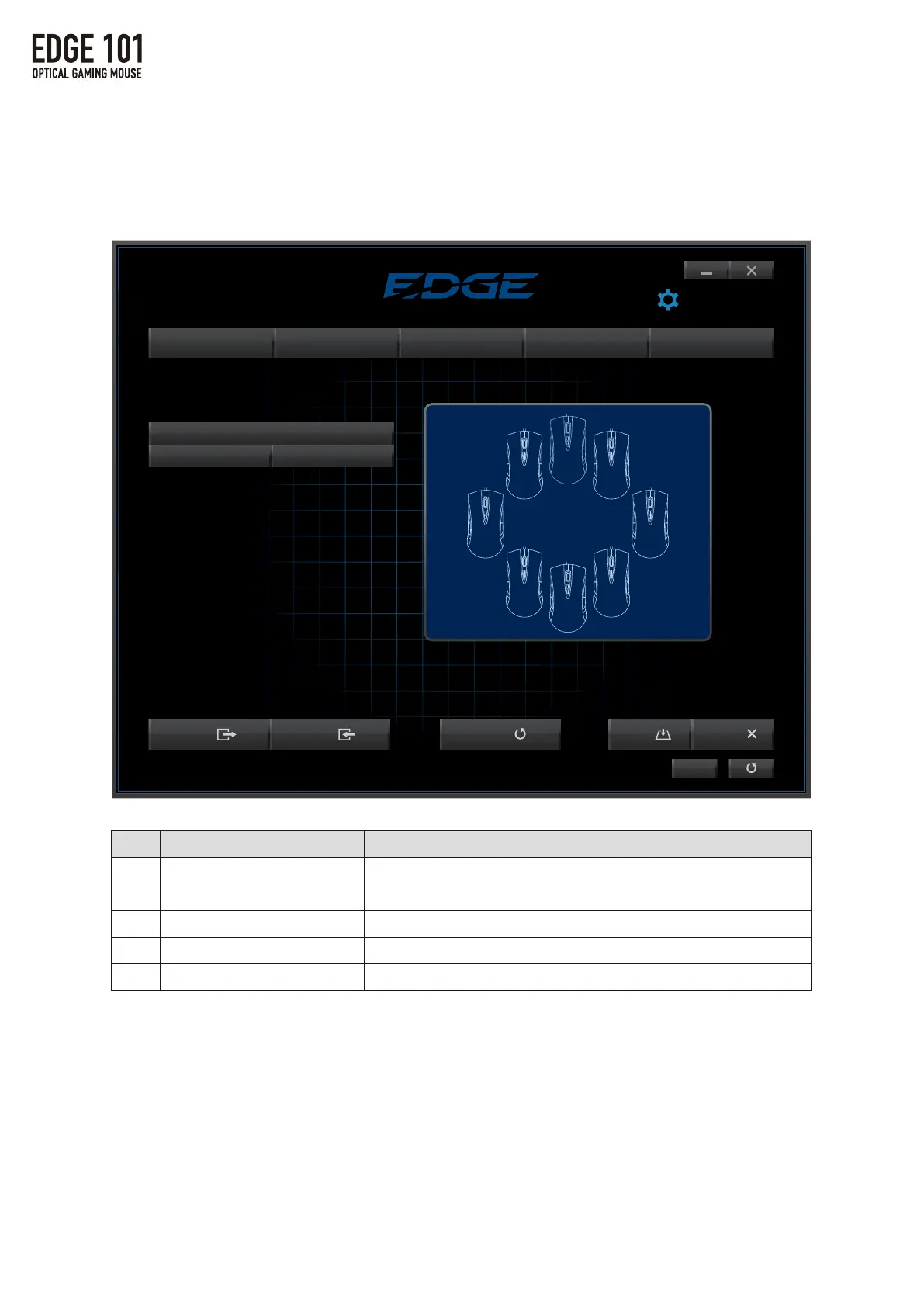
Mouse Pad Calibration
Hold the left mouse button and move mouse over entire mouse pad surface.
※Click New to calibrate mouse pad.
New Delete
MousePadCalibration
・Calibratesthesurfaceofthemousepadforoptimizedmousesensor
performance.
①
②
③
④
Name
MousePadName
New
Delete
CalibrationScreen
Function
・Choosefromaselectionofsavedmousepads.
・Changethenameofthecustommousepad.
Addanewmousepadtocalibrate.
Deleteacalibratedmousepad.
Displaysthemousemovementforcalibrationtesting.
①
② ③
④



 To Next Page