17/25
2.SENSORSettings
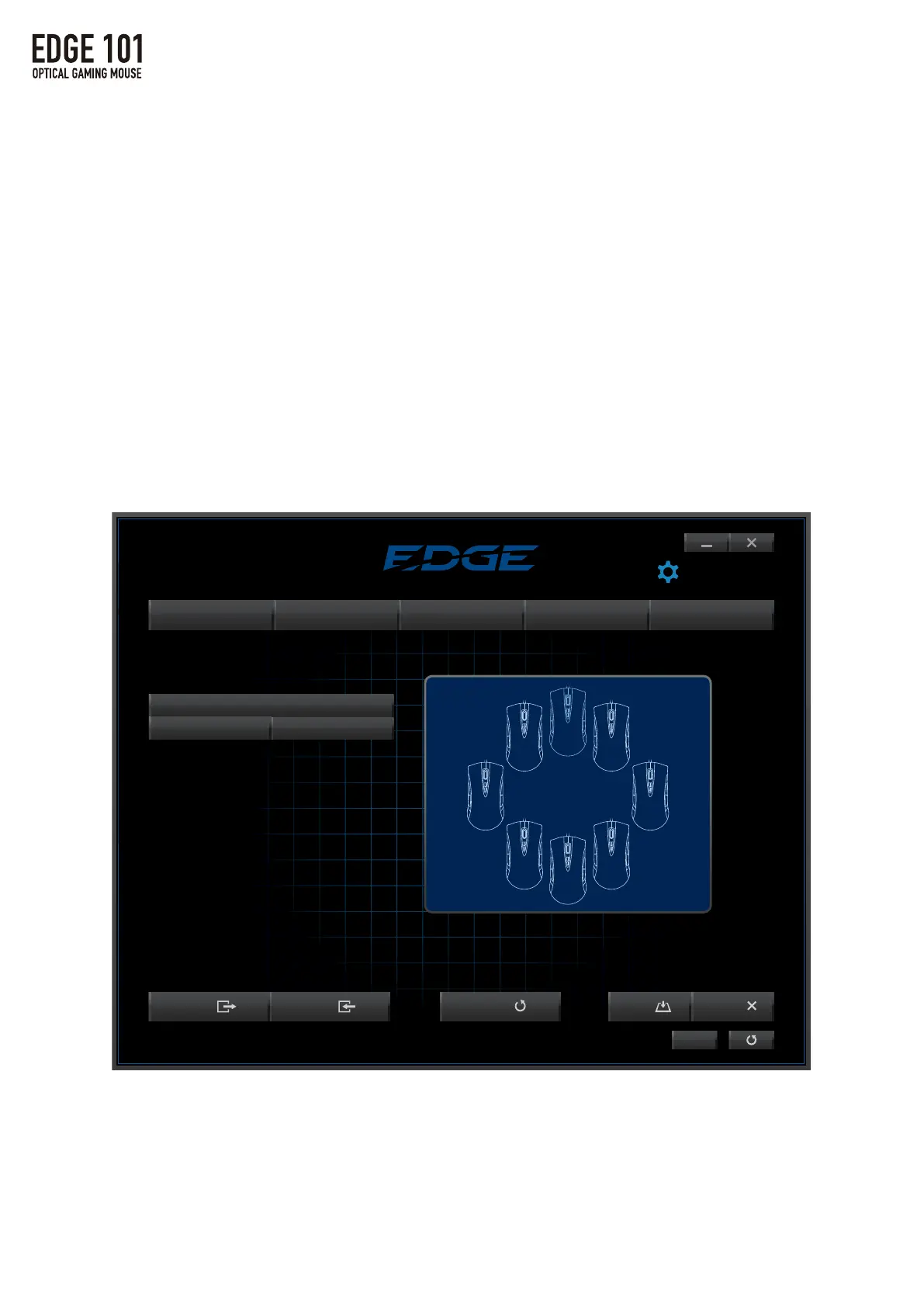
Clickandholdtheleftmousebuttontocommencecalibration.
Movethemouseovertheentiremousepadsurface.
Calibrationwillbecompleteaftermovingthemousefor10seconds.
※Opticalmousemaynotbeabletotrackmovementonsurfacessuchas
clear(i.e.Glass),mirrored,andfinelypatternedsurfaces.
※Ifthemousesensormovementisnotstable,repeatingthecalibrationsteps
mayimproveperformance.
▼Howtocalibrate
1.ClickonCalibrationtoswitchtothecalibrationscreen.
2.ClickonNewtoaddamousepad.
※ClickontheMousePadNametochangethenameofthemousepad.
※ClickonDeletetoremoveamousepad.
LANGUAGE
Export Import Default Cancel
MAIN SENSOR MACRO LIGHT TEST
Save
Profile 1
ENGLISH
Mouse Pad Calibration
Hold the left mouse button and move mouse over entire mouse pad surface.
※Click New to calibrate mouse pad.
New Delete
①
② ③
④
Export Import
DPI
Acceleration
Pointer Speed
Scroll Speed
Double-Click Speed
X/Y-Axis Adjustment Lock
①
②
③
④
⑤
⑥
DPI1
YY
XX
DPI4
YY
XX
Export Import
MAIN SENSOR
DPI
Acceleration
Pointer Speed
Scroll Speed
Double-Click Speed
X/Y-Axis Adjustment Lock
①
②
③
④
⑤
⑥
DPI1
YY
XX
DPI4
YY
XX



 To Next Page