Battery replacement
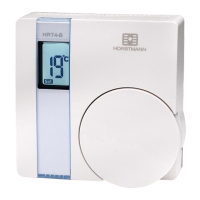
The HRT4-B runs on 2 x type AAA (Alkaline) non rechargeable batteries and is designed to give a
battery life of approximately two years.
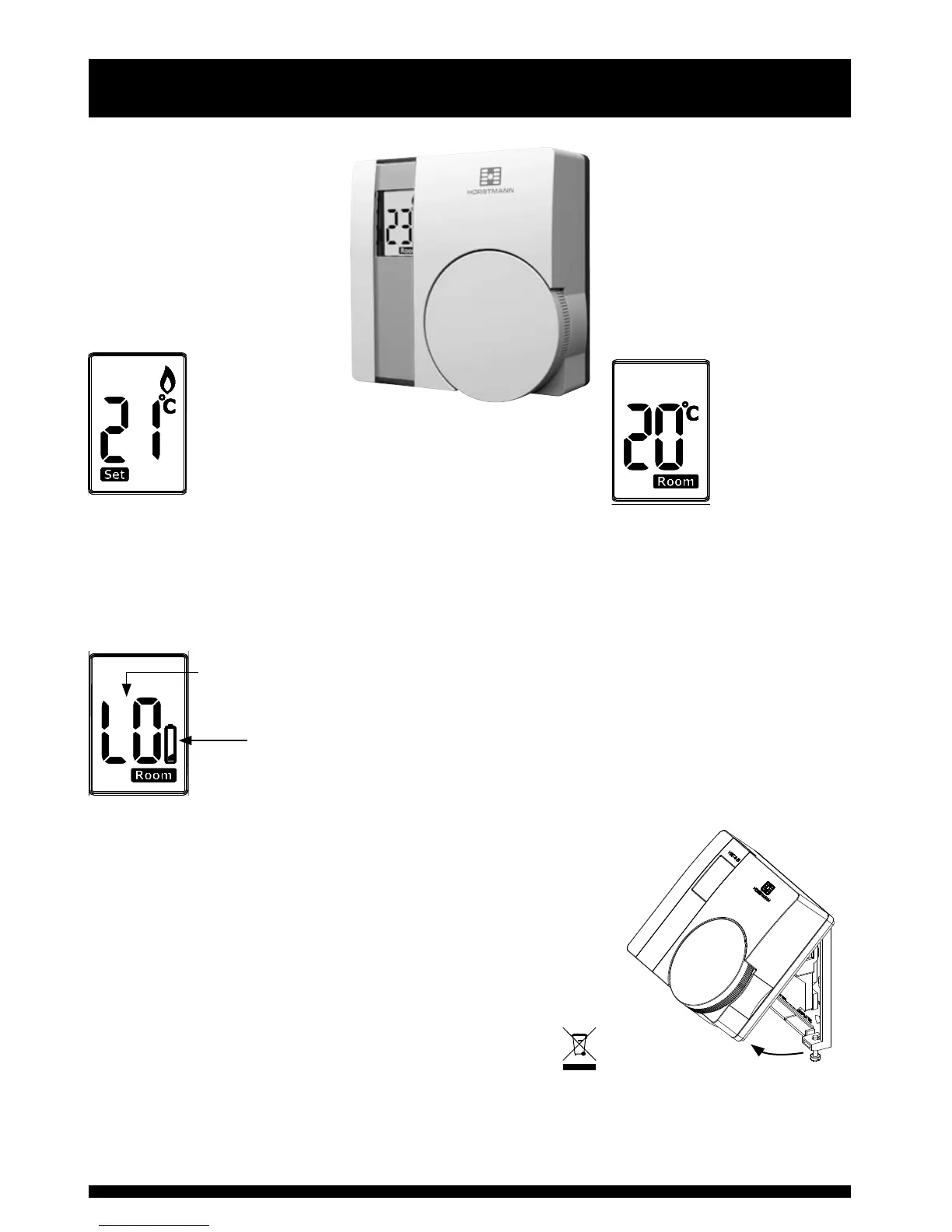
When the batteries are nearing the end of their life a low
battery symbol will appear in the display and the batteries
should be changed within a few days. If the batteries are
not changed at this point eventually a ‘LO’ battery message
flashes intermittently in the display and if this happens the
batteries should be changed immediately.
To change the batteries it is necessary to remove the
thermostat from the wall.
To do this first undo the two captive screws at the base of the
thermostat and swing the thermostat up and away from the wall
plate.
N.B. The wall plate must not be altered or modified as it has
been specially designed to isolate the mains supply when the
thermostat is removed to change the batteries.
Remove the old batteries and replace them with two new AAA size
alkaline batteries ensuring that they are fitted correctly as indicated
by the terminal markings in the battery compartments.
Please dispose of the batteries responsibly.
Once the batteries are fitted, re-fit the thermostat to the wall plate by engaging with the lugs at the
top of the wall plate and push the thermostat into position. Locate it over the captive screws at the
base of the wall plate and tighten so that the thermostat is locked into position.
Check the temperature setting is correct and adjust if necessary.
The display will show the
required temperature setting
and can be adjusted in
increments of 1°C.
To adjust the required
temperature setting turn the
dial anti clockwise to decrease
it and clockwise to increase it.
When the
thermostat is in
the ‘call for heat’
condition a flame symbol
will appear in the display.
Pressing the temperature
setting dial will allow the user
to check the current room
temperature which will be
displayed for approx 7 seconds
before returning to the set
temperature.
User Instructions
3
Further information on how the thermostat operates is contained
in the ‘Explanation for householders’ that precedes this section.
Low battery symbol
appears rst when the
batteries are nearing
the end of their life
Batteries should be
changed immediately


 To Next Page