17
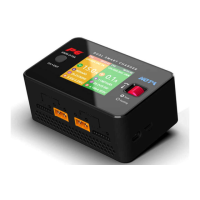
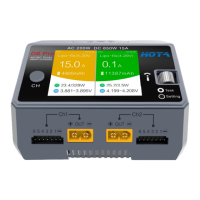
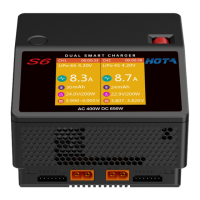
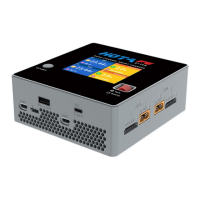
F6 4-Channel DC Smart Charger
Combined Charging
LiPo-6S(4.20V) 55% 00:00:52
CH1
172 mAh
23.33V
21.2A 500W
3.886V
3.902V
1
4
3.885V
3.884V
2
5
3.891V
3.884V
3
6
Standby
00:00:00
CH2
Combined Charging
Operation and Setup
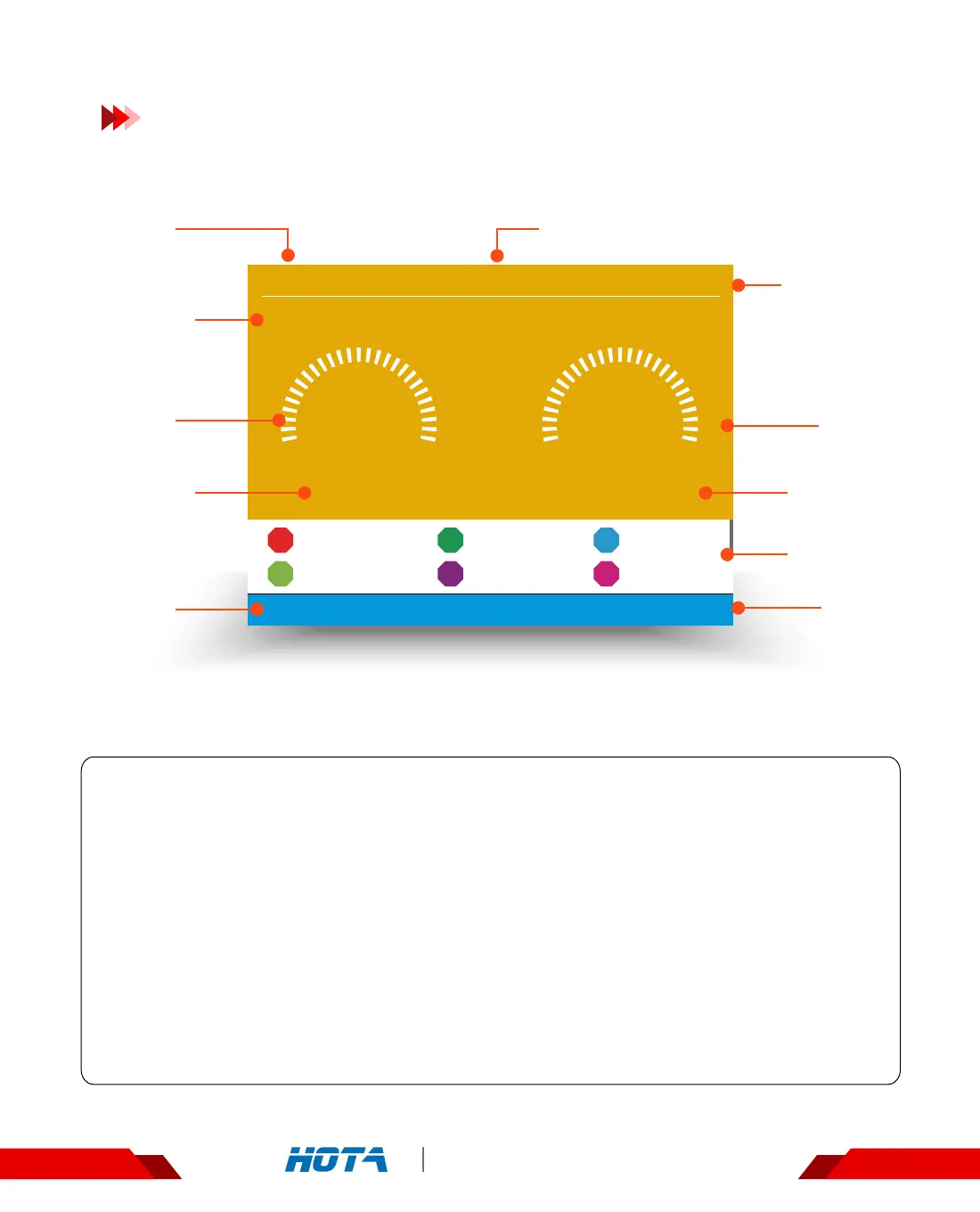
Working parameters Display
Combined Charging status: Simple Operation
1. Connect power supply to the charger and wait for the system to complete its self-checking
.Connect the battery to the two output ports of the charger in the standby interface ;
2. After selecting corresponding channel , short press the speed shuttle key to pop up the
“Task Settings" menu, set the task to “Combined Charging" ; adjust the task parameters,
then short press the speed shuttle key to start the task ;
Scroll the speed shuttle key during operation can switch the display information in the lower half of the screen, which are cell voltage
, cell internal resistance and the operating data. The cell voltage can only be displayed in the mode of balance charging ; cell internal
resistance will only be displayed in the balance mode while measurement is valid ( not in precharged status and none of the cells
reaches fully charged status within 2 minutes ).
3. When the task of charging is executing, short press the speed shuttle key can pop up the
"Adjust Task” menu to adjust the charging current ; long press the CH key can stop the current
task.
4. Enjoy.
Operation
Time
Capacity
charged
Task Status
Output
Current
Total Bat-
tery Voltage
Output
Power
Operation
Time
Cell Voltage
Current
channel
Current
channel
Battery parameters and
Percentage of completion


 To Next Page