Regenerative Discharge
16
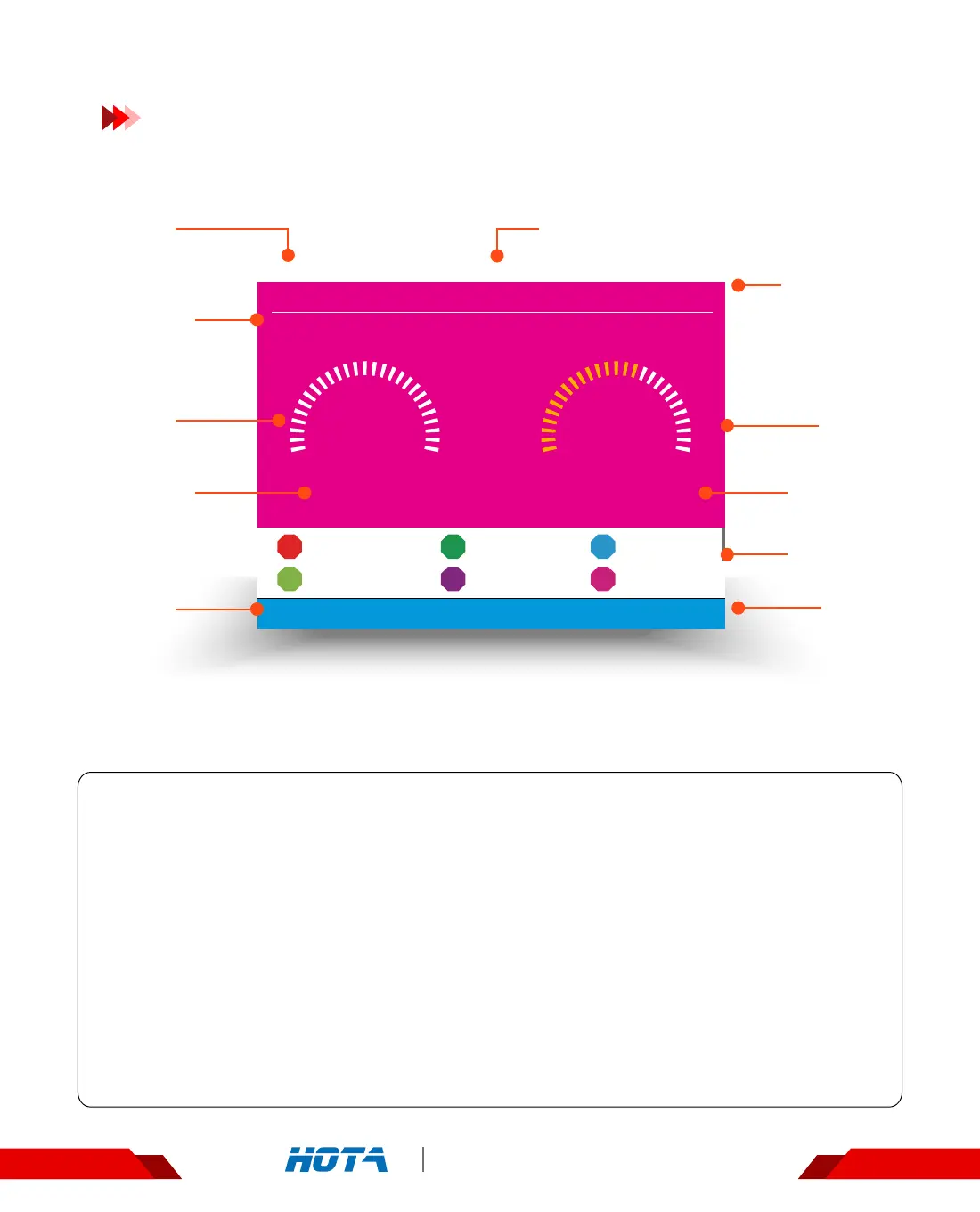
Regenerative Discharge
LiPo-6S(3.60V) 56% 00:00:06
CH1
-3 mAh
23.46V
-3.1A -71W
3.898V
3.897V
1
4
3.900V
3.905V
2
5
3.903V
3.893V
3
6
00:00:00
CH2
Standby
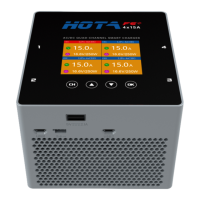
F6 4-Channel DC Smart Charger
Operation and Setup
Working parameters Display
Regenerative Discharge status : Simple Operation
1. Connect the battery ,which is going to receive power ,to the input ends of the charger
and wait for the system to complete the self-checking . Connect the discharge battery
to the output ends of the charger in the standby interface ;
2. In the standby state , short press the speed shuttle key to pop up the “Task Settings"
menu, set the task to “Regenerative Discharge" ; adjust the task parameters, short
press the speed shuttle key to start the task ;
Scroll the speed shuttle key during operation can switch the display information in the lower half of the screen, which
are cell voltage and the operating data ; the cell voltage can only be displayed in the mode of balance charging.
3. When the task of Regenerative Discharge is executing, short press the speed shuttle key
can pop up the "Adjust Task” menu to adjust the Regenerative Discharge current ;
long press the CH key can stop the current task ;
4. Enjoy.
Operation
Time
Capacity
charged
Task Status
Output
Current
Total Battery
Voltage
Output
Power
Operation
Time
Cell Voltage
Current
channel
Current
channel
Battery parameters and
Percentage of completion


 To Next Page