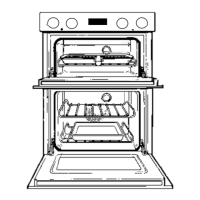
FAN OVEN OPERATION
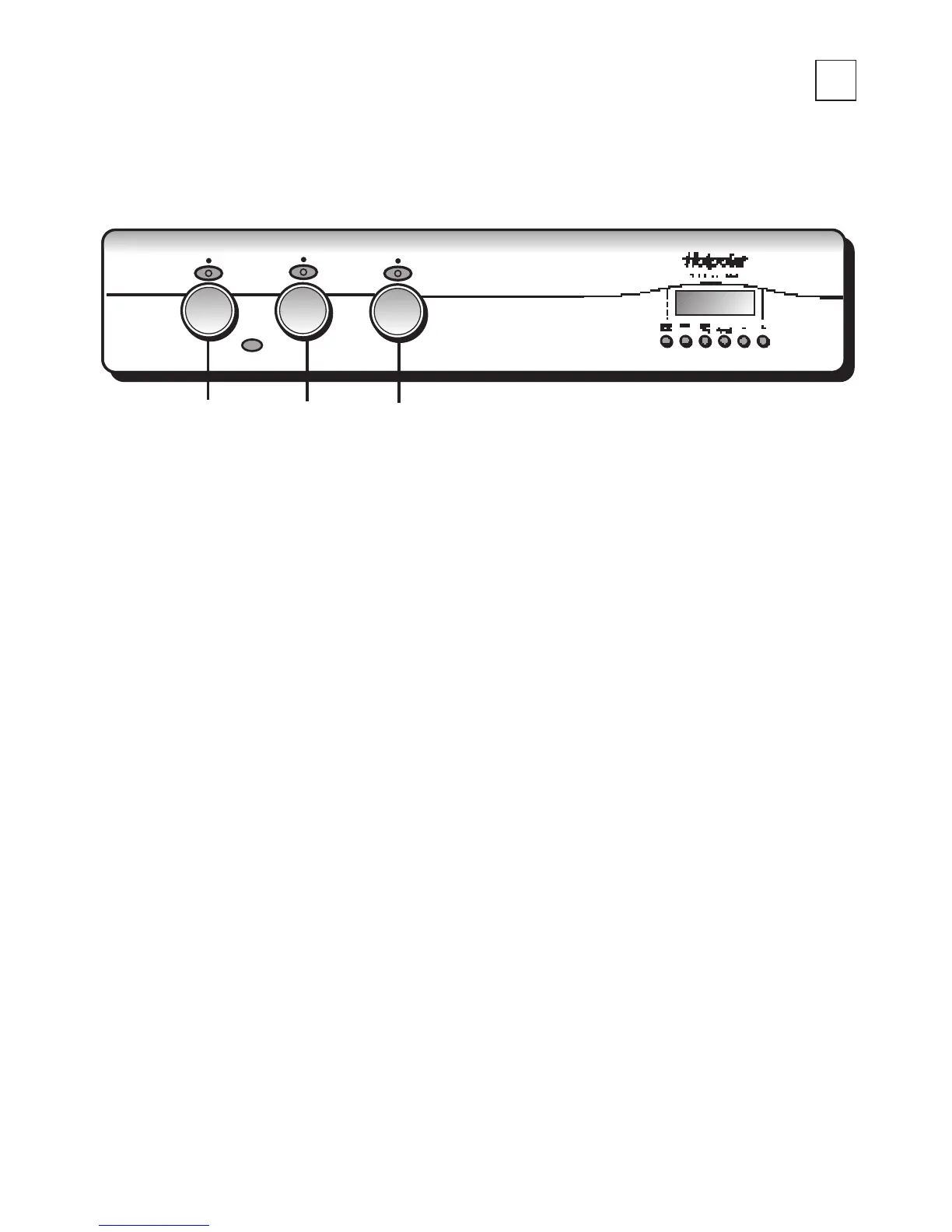
Step 1 Ensure oven timer is set to manual.
Ensure that the oven shelf is in the correct position.
Place food centrally on the shelf ensuring the oven door is fully closed.
Turn knob B clockwise to Fan Oven function.
Step 2 Turn knob (A) clockwise and select the required cooking temperature
(80˚C to 230˚C). The pilot light (●) will immediately come on, and remain
on until the oven reaches the required temperature. The light will then
automatically go off and on during cooking as the oven thermostat
maintains the correct temperature.
Step 3 After use turn both controls to their Off (O) position.
NOTE: At the end of a cooking period there may be a momentary puff of steam
when the door is opened. This will disperse in a few seconds and is a
perfectly normal characteristic of an oven with a good door seal.
USING THE OVEN FOR FAN COOKING
Fan
Oven
18



 To Next Page