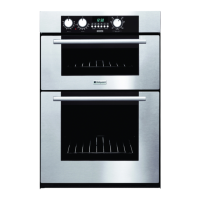
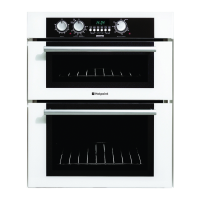
USING THE OVEN FOR OTHER
FUNCTIONS
TOP AND BASE HEAT
The oven is heated by elements at the top of the oven and underneath the floor of
the oven.
The oven door is fitted with a switch which will automatically turn off the elements
when the door is opened.
Food should not be placed on the floor of the oven.
OPERATING PROCEDURE
1. Ensure Oven Timer is set to Manual.
2. Position rod shelf as recommended in the chart for food being cooked.
3. Position food centrally under grill element.
4. Turn the selector switch B until top and base is shown in the window.
5. Turn the oven thermostat control A to the required temperature setting (see oven
temperature charts). The control panel illumination and oven light will remain
on. The oven indicator light will remain on until the oven reaches the set tem
perature. This light will then automatically cycle on and off during cooking as the
oven temperature is controlled.
6. After use always return both controls to the ‘O’ off position and close the oven
door.
24



 To Next Page