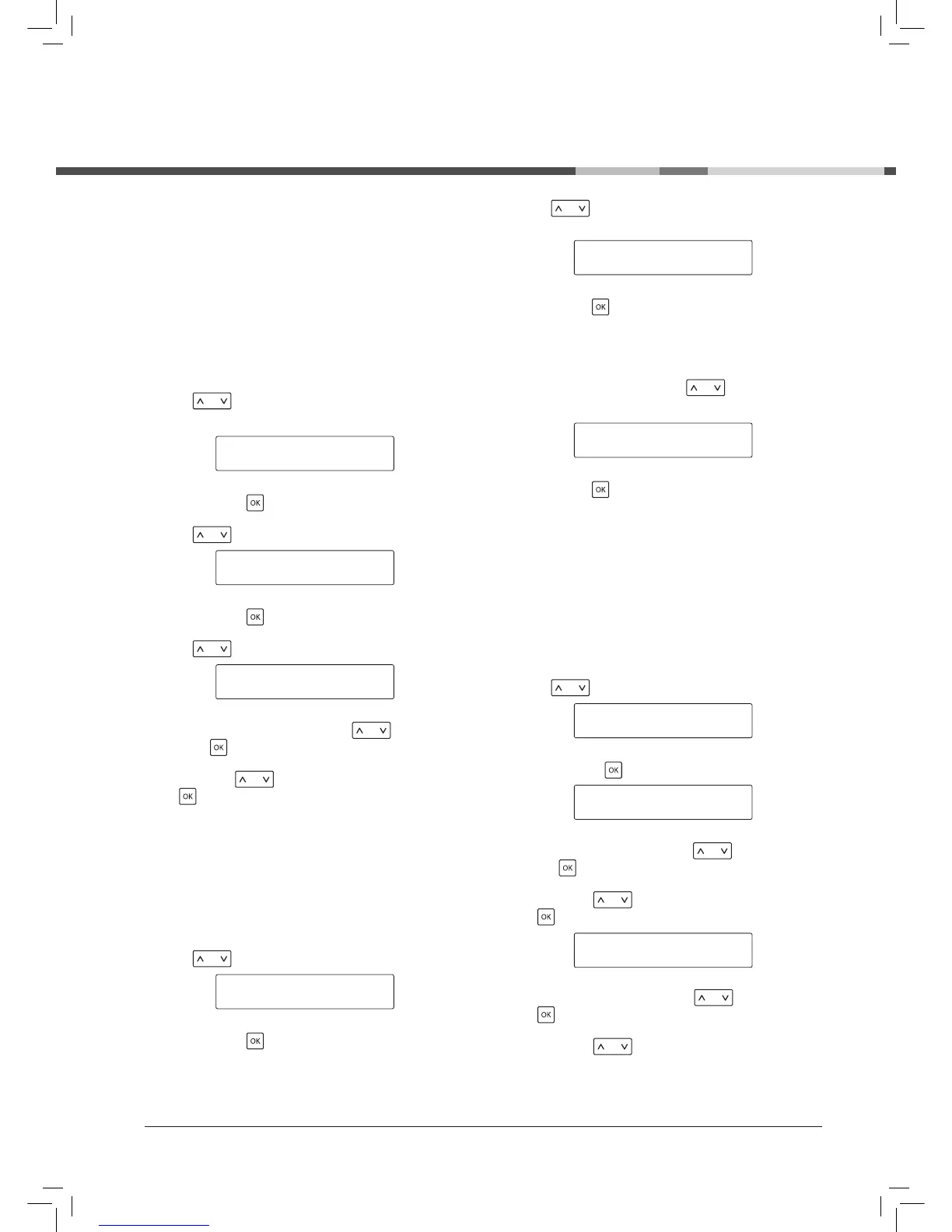
CLOCK
This function is enabled and/or disabled by the user
and:
- displays the exact time when the machine is in
“STANDBY” or “SELECT FUNCTION” mode.
- selects the on/off time.
To correctly program this function, the exact time must
be set.
Use the key to select this function:
Enable it with the key.
Use the key to select this function:
Enable it with the key.
Use the key to select this function:
Set the current time by pressing the key and
save using key;
Next, press the key to set the minutes and save
using key.
The time is set and the machine returns to the previous
menu.
! Note: the time is memorised when the machine is
switched off.
To display the time
Use the key to select this function:
SHOW CLOCK TIME *
AUTOMATIC ON/OFF
Enable it with the key.
Use the key to choose whether to enable the
function:
Save using the key.
! Note: the time is only displayed at certain times. This
function can only be disabled by the user.
To disable this function, use the
key to choose:
Save using the key.
Regulating on/off times
The machine can be programmed to switch on and off
automatically. Only one “on” time and one “off” time can
be programmed on the machine.
! Note: this function is enabled only if the main switch is
in the “I” position (on).
Use the key to select this function:
ON/OFF TIME *
SHOW CLOCK TIME
Set the “on” time by pressing the key and save
using the key.
Next, press the key to set the minutes and save
using key.
Set the “off” time by pressing the key and save
using key.
Next, press the key to set the minutes and save
Programming



 To Next Page