using key.
! Attention: if the on and off times coincide, the
machine ignores both settings. The clock must be
enabled after this programming in order to function
correctly.
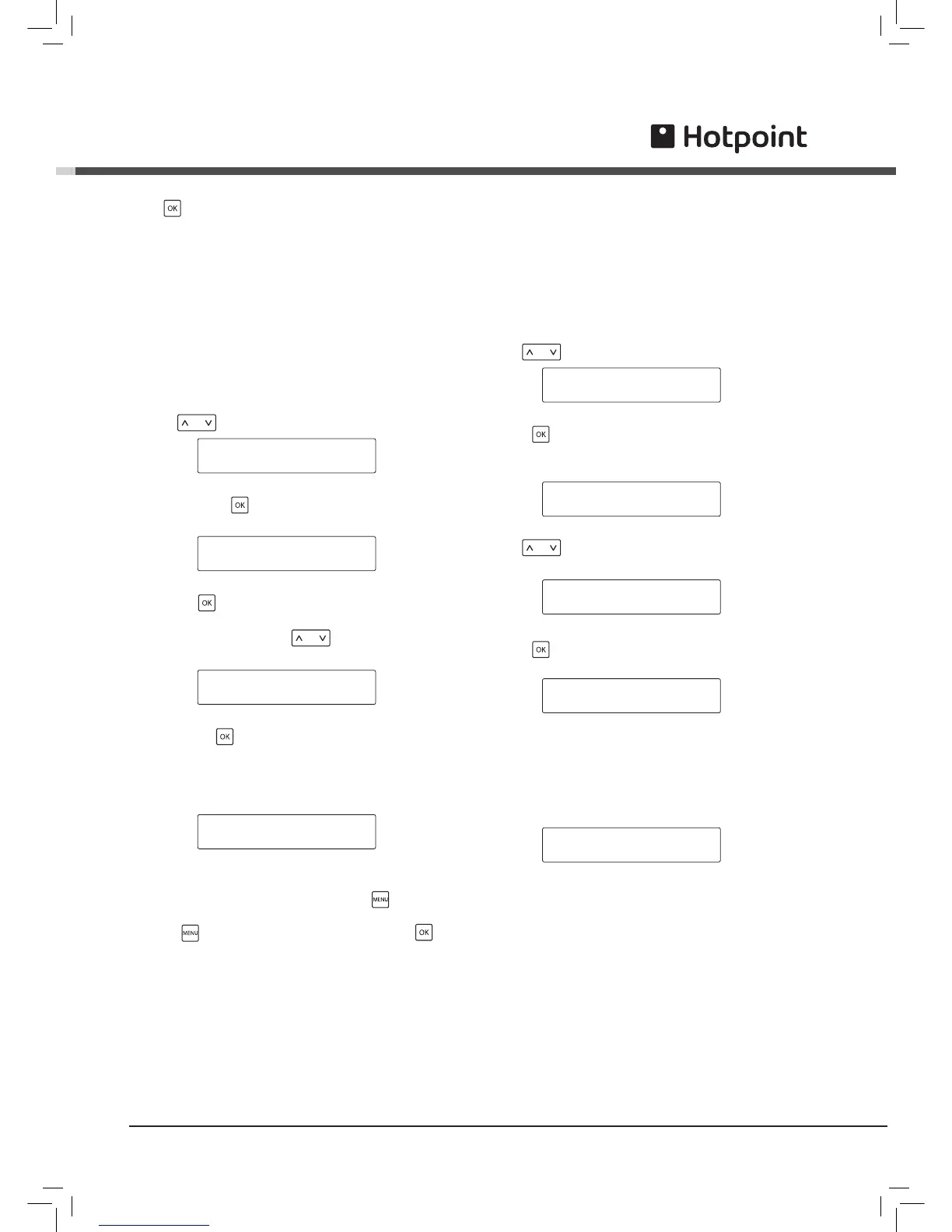
To enable automatic on/off
! Note: this function is enabled only if on/off times has
been programmed.
Use the key to select this function:
AUTOMATIC ON/OFF *
CLOCK TIME
In this case disables this function.
Enable the function with the key and when the
display shows:
save using the key.
Check the parameter settings when exiting
programming. If the current time falls within the
disabled period the display shows:
! Note: during the disabled phase the machine may
be reactivated at any time by pressing the key. To
disable the machine again, go into programming by
pressing and exit immediately by pressing the
key.
RINSING CYCLE
This function performs a rinsing cycle using water to
clean all components involved in brewing coffee.
! A person should be present during the rinsing cycle
to supervise the operation. Before performing the
rinsing cycle fill the water tank.
Use the key to select this function:
RINSING CYCLE *
FACTORY SETTINGS
Press the key.
The display will show:
Press the key to start the rinsing cycle. The display
shows:
The machine dispenses about half the quantity of
water contained in the tank from the brew unit.
Then the cycle stops automatically, and the display
shows:
SELECT PRODUCT
READY FOR USE



 To Next Page